
SSL2 fixture files
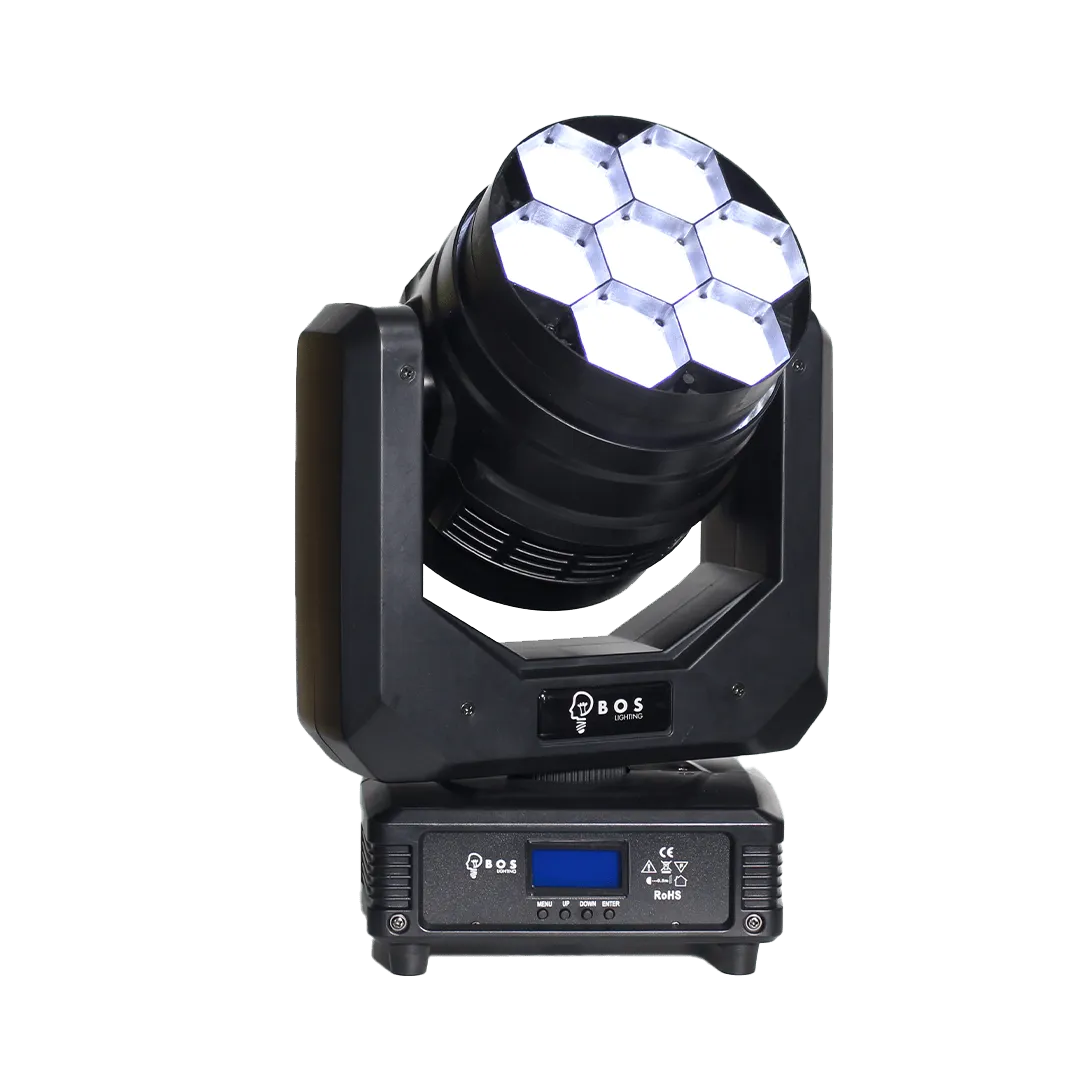
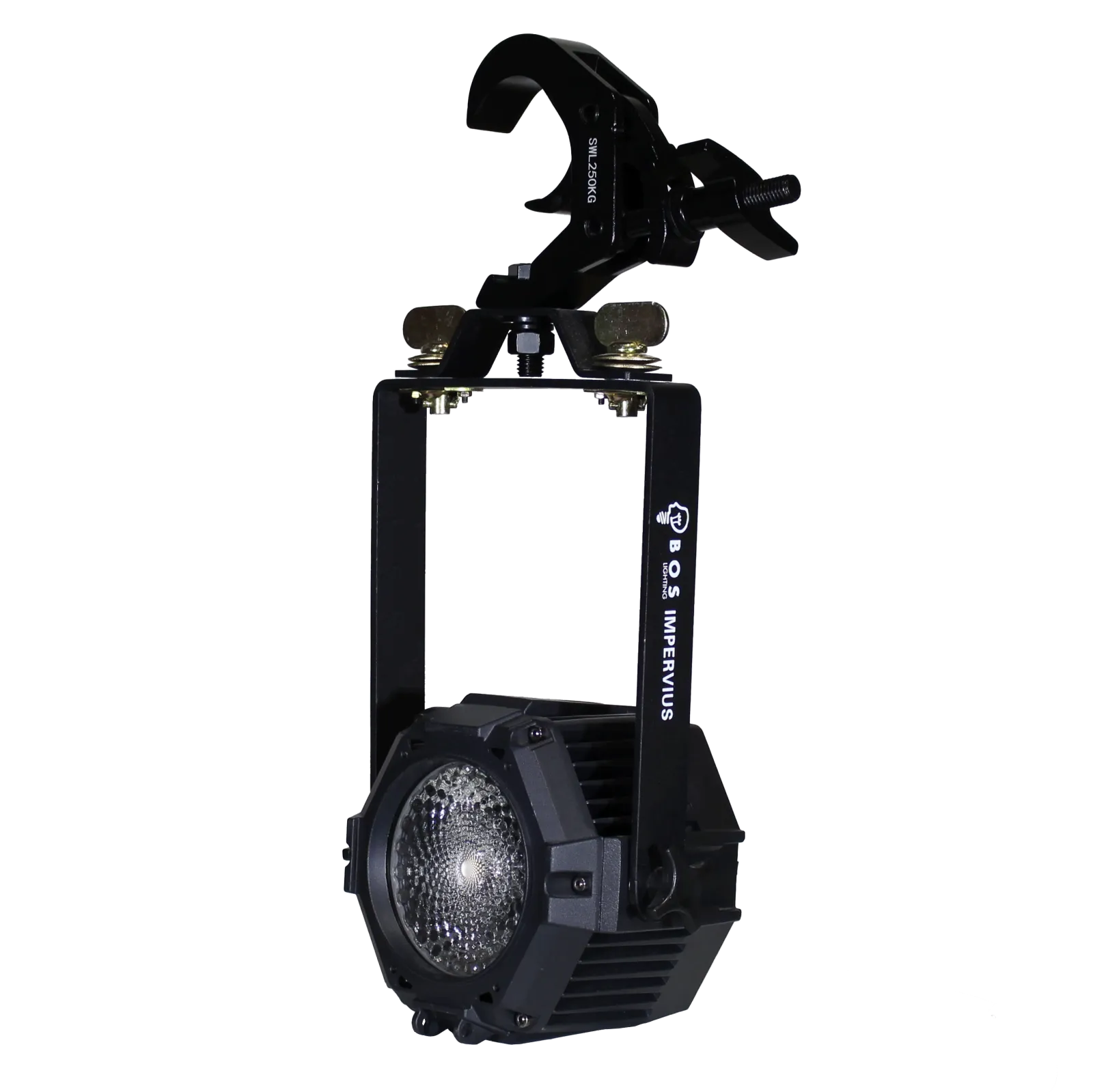
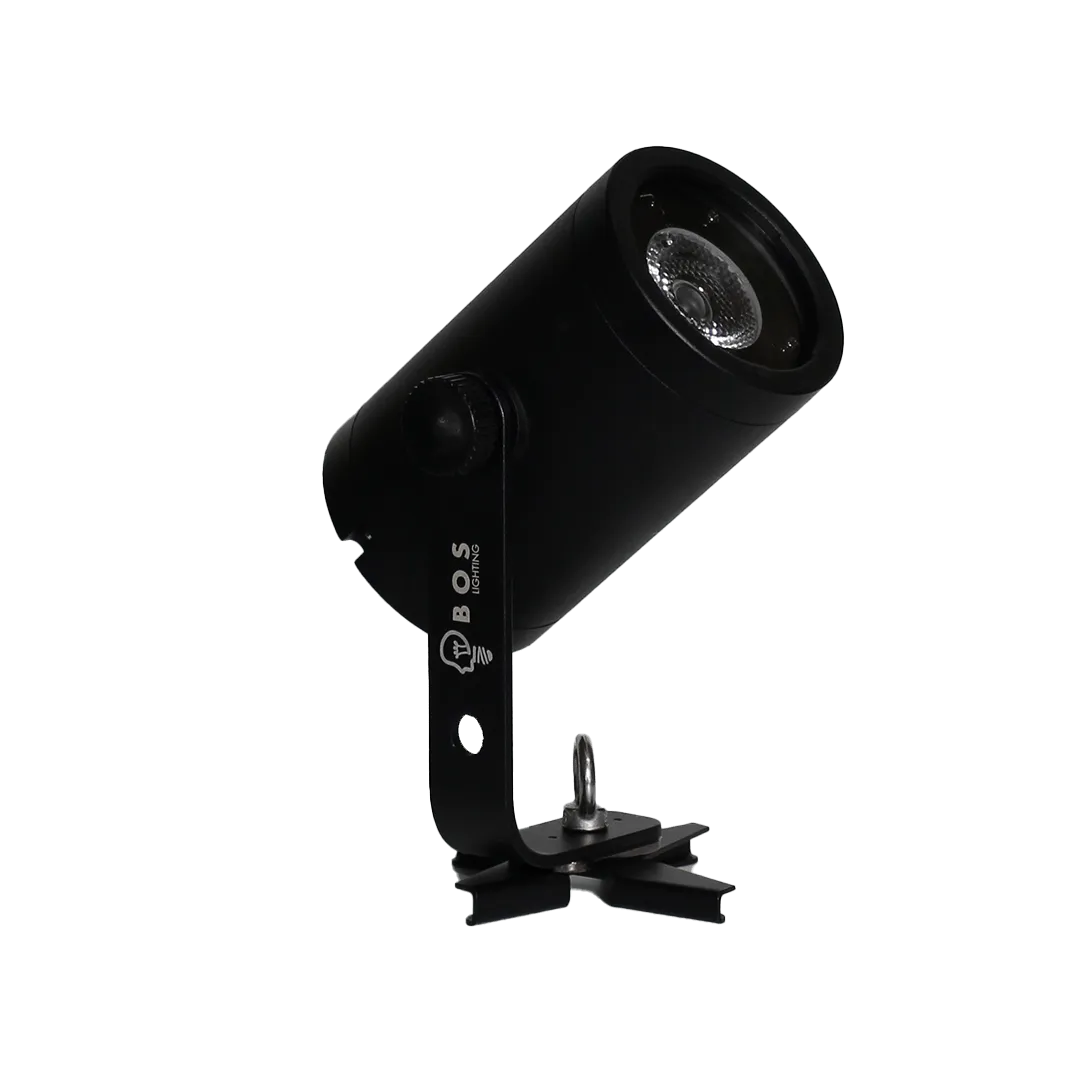
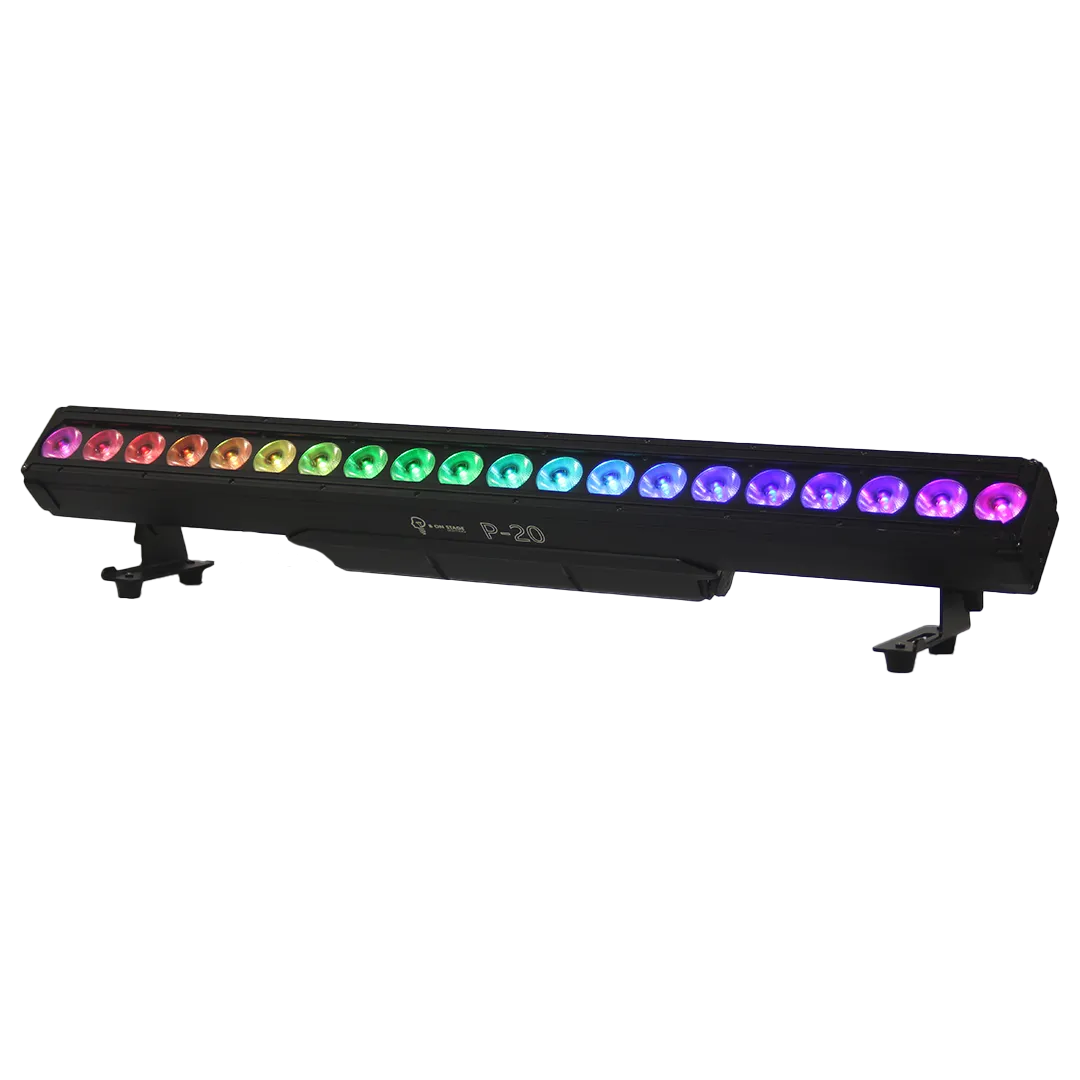
SSL2 is one of the most widely used fixture formats for DMX software and compact lighting controllers. Below are all BOS Lighting fixtures with an SSL2 file ready to download.
What is a SSL2 file?
An SSL2 file is a fixture profile: it tells your software which DMX channels a fixture has and what each one does, such as dimmer, colour, strobe or pan and tilt. The format is shared by a whole family of DMX programs and controllers, so one file works in many different packages. You edit a profile with the Scan Library Editor that comes with the software.
How to import it
- Download the SSL2 file for your fixture below.
- Open the Scan Library Editor from your software and save the file into your user library (the ScanLibrary folder).
- Find the fixture in the patch window and patch it to the right DMX address.
- Using Lightkey? In the fixture library choose the gear icon and Import Profile.
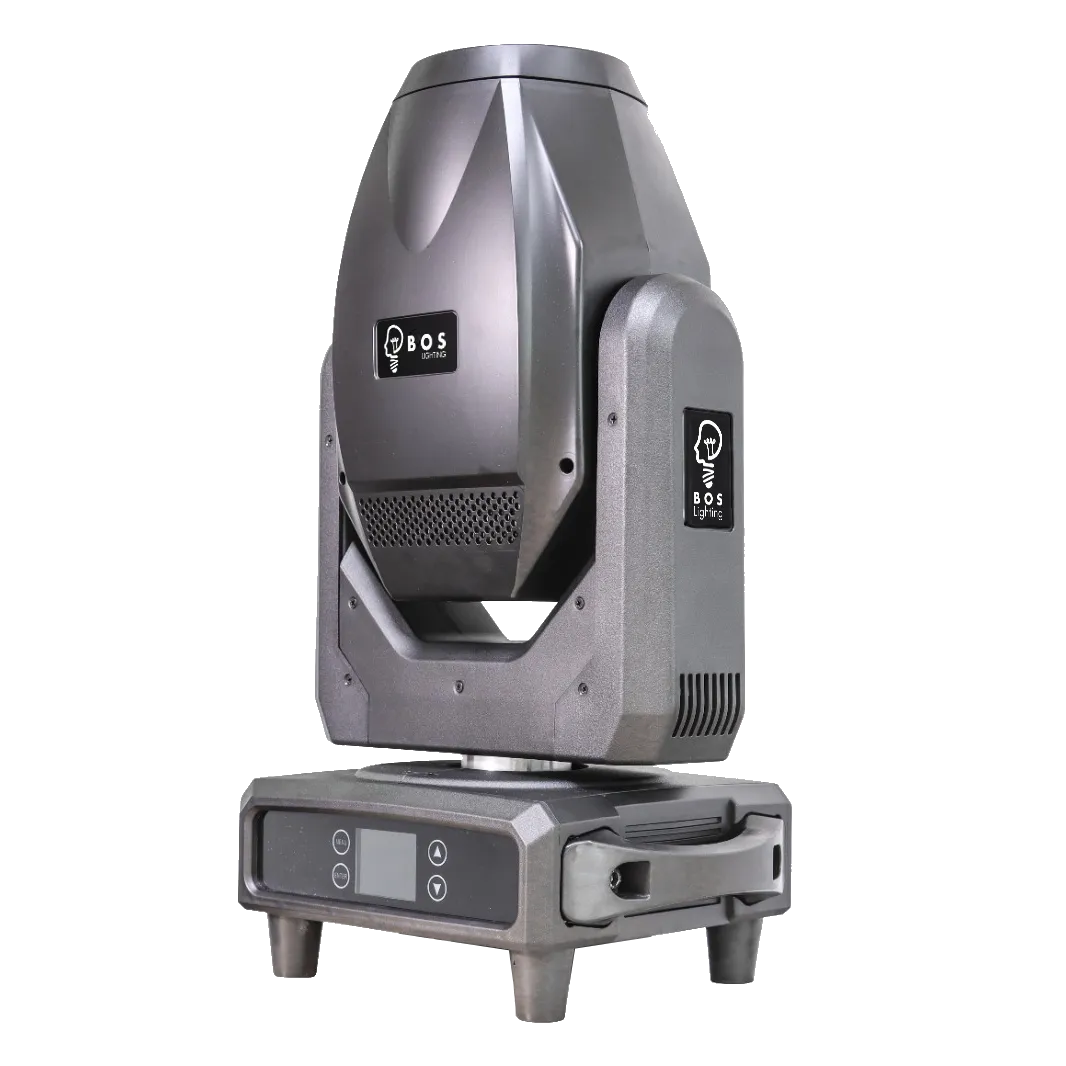
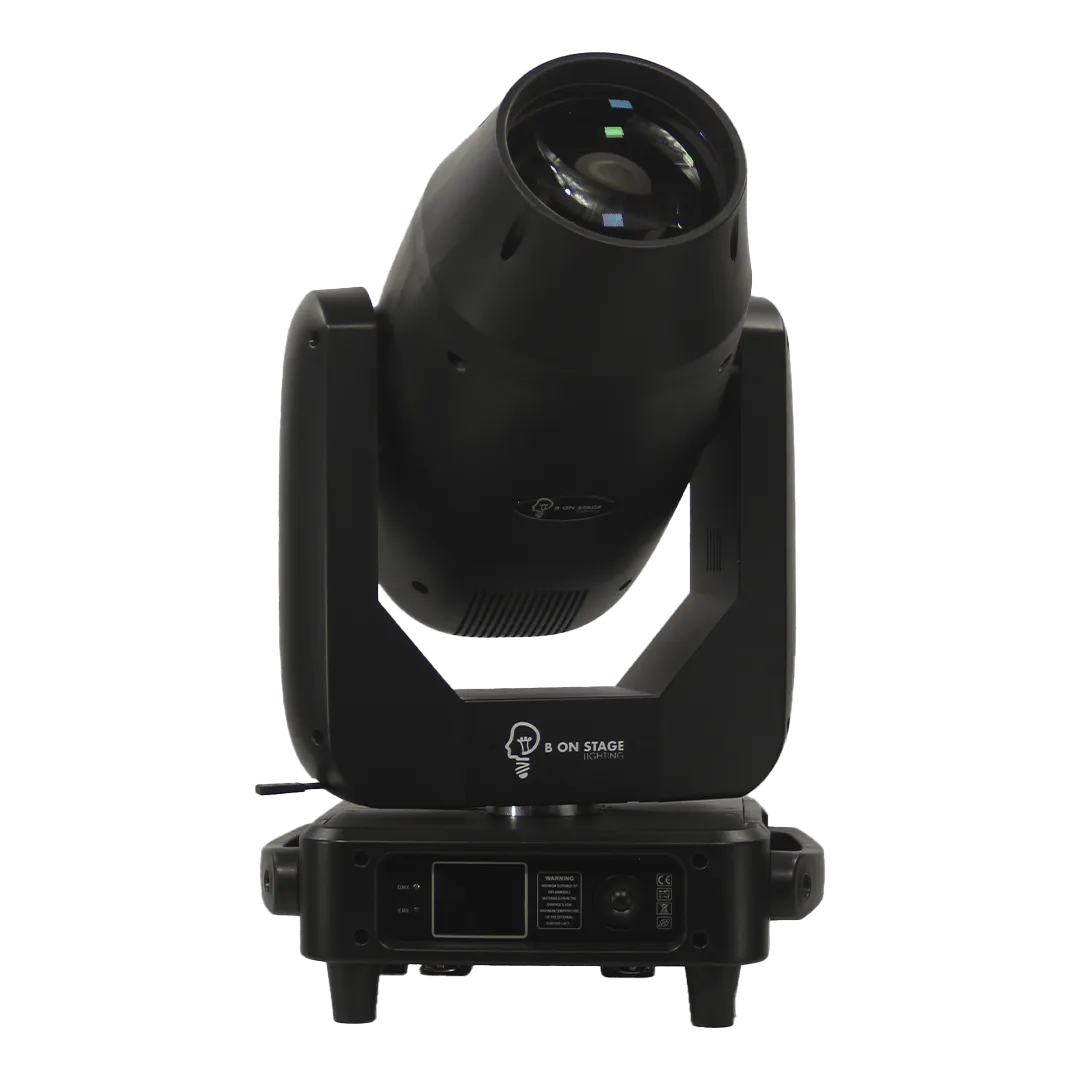
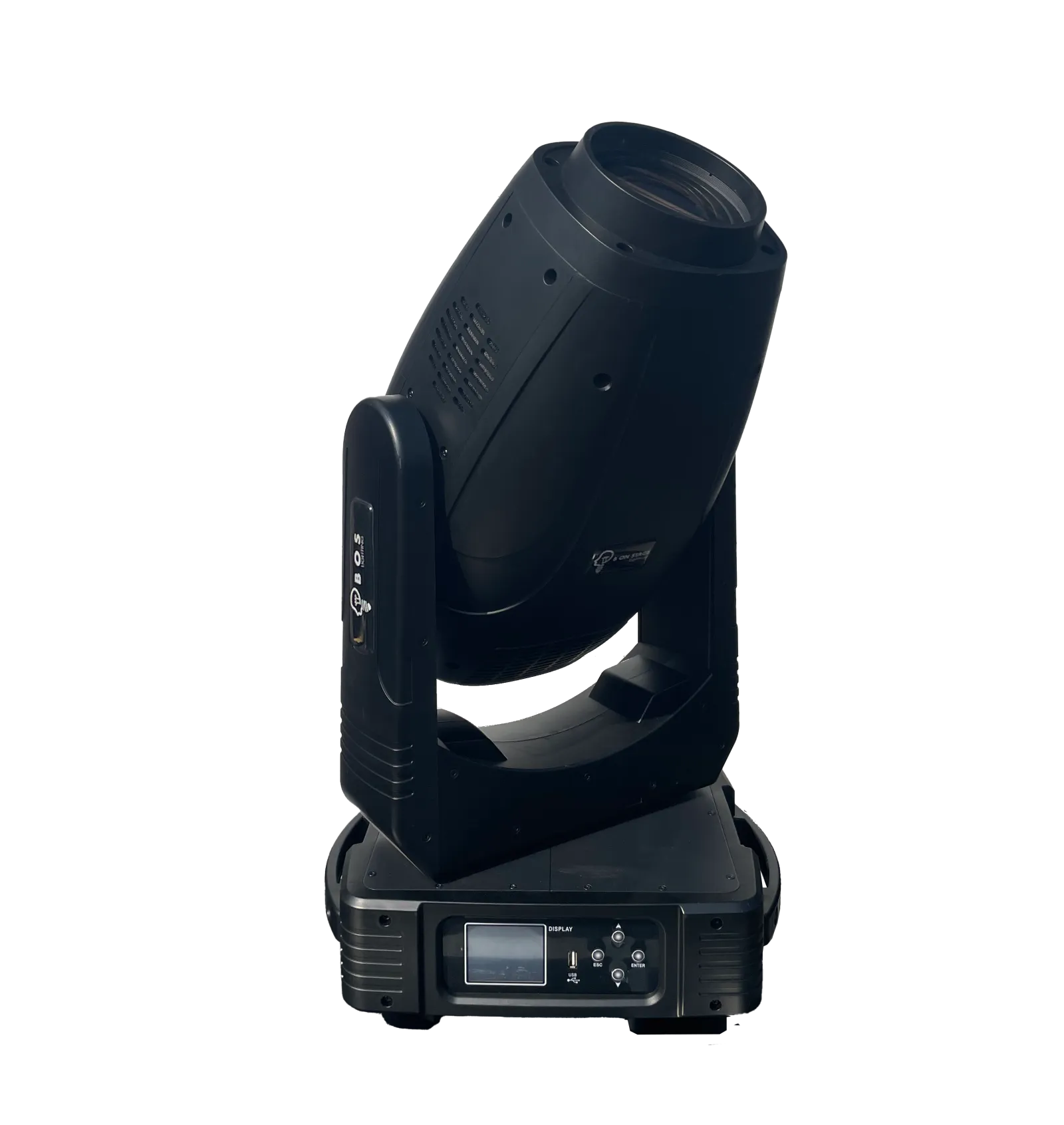
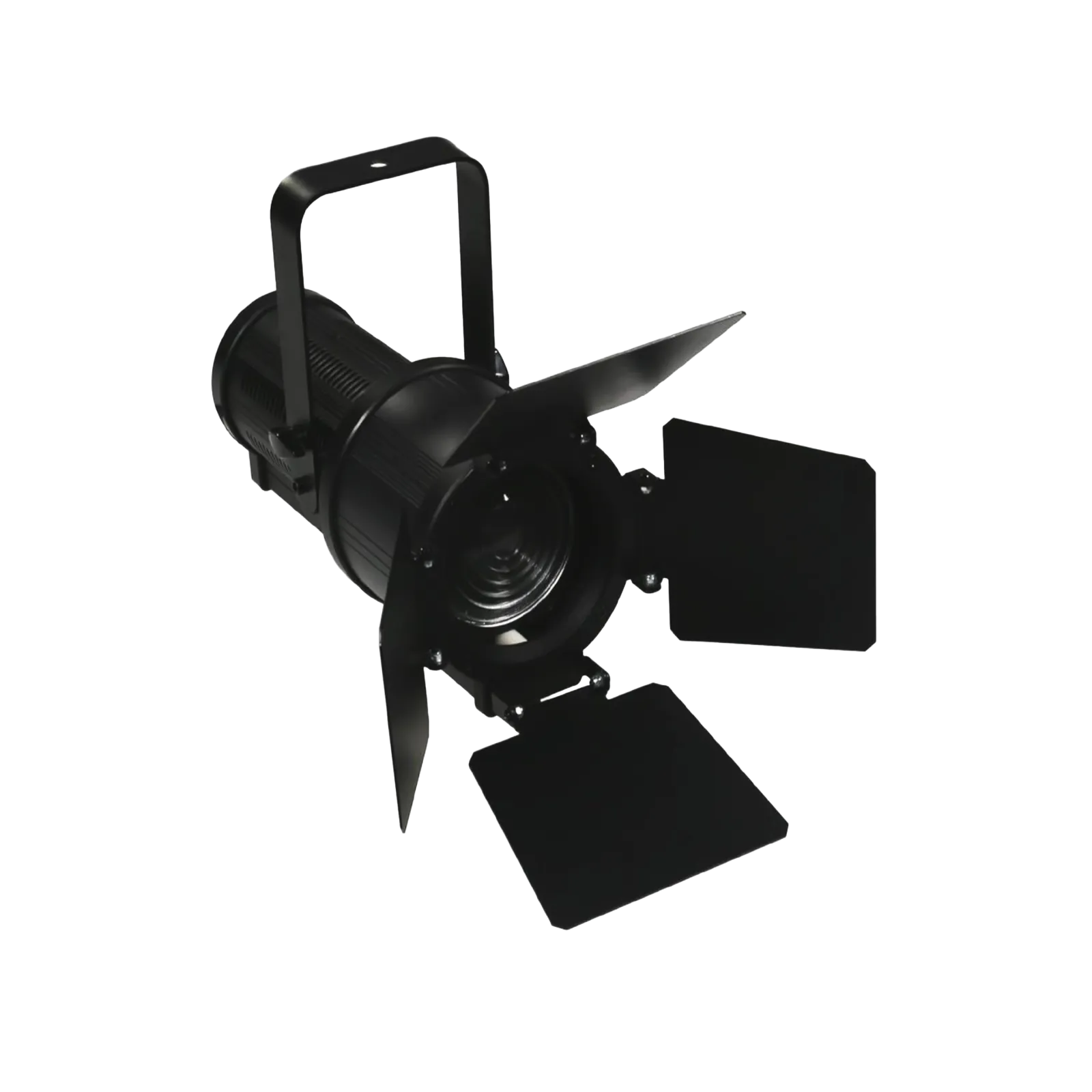
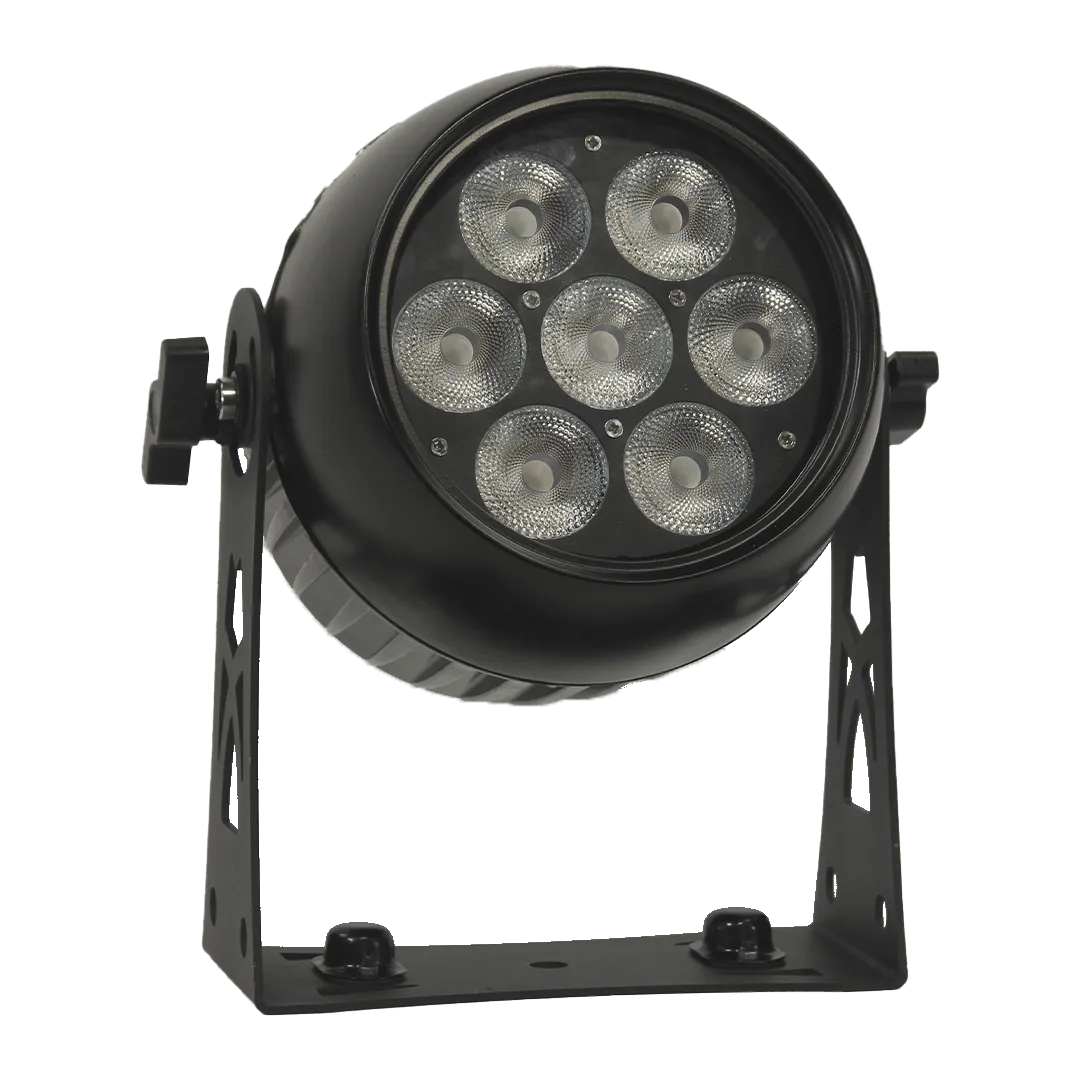
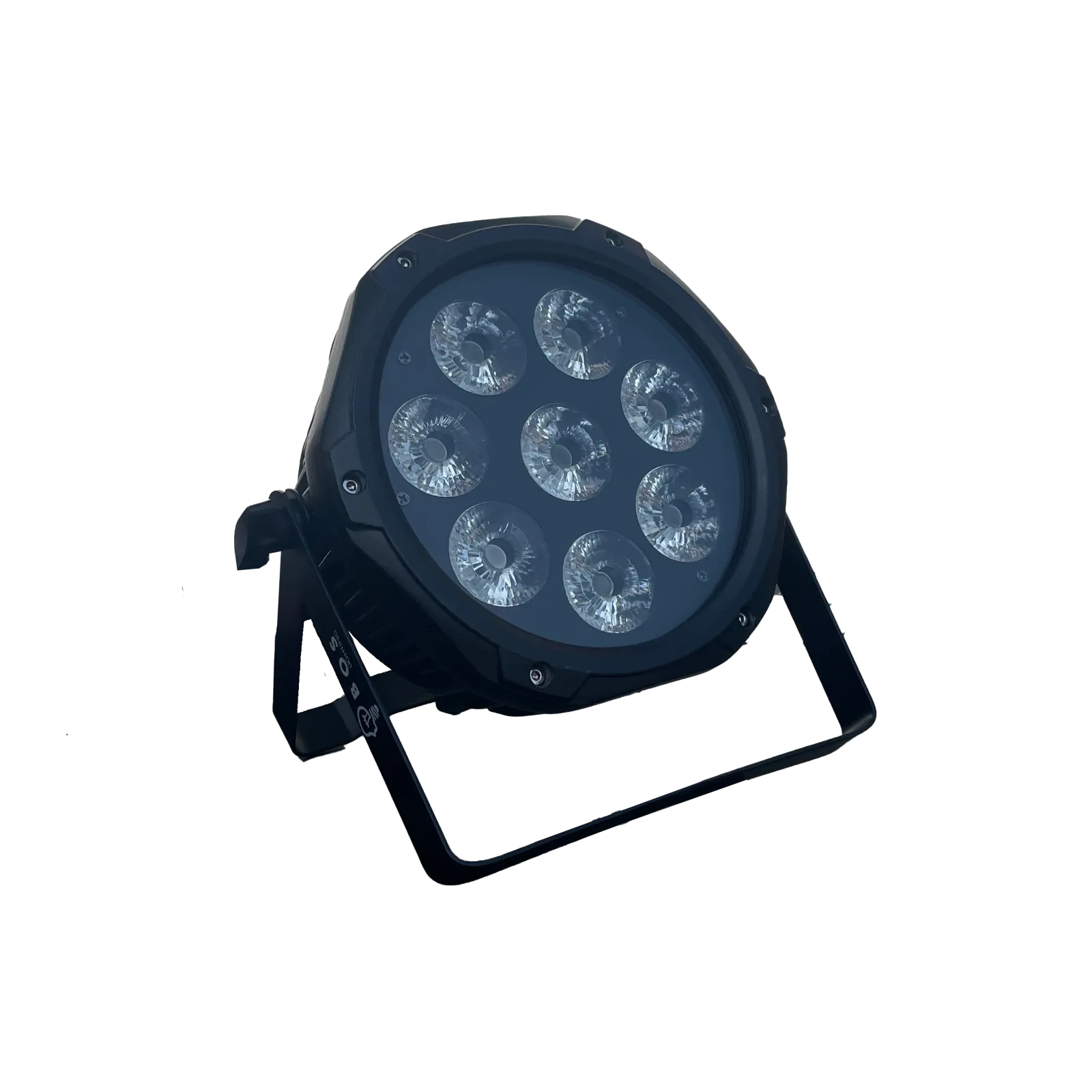
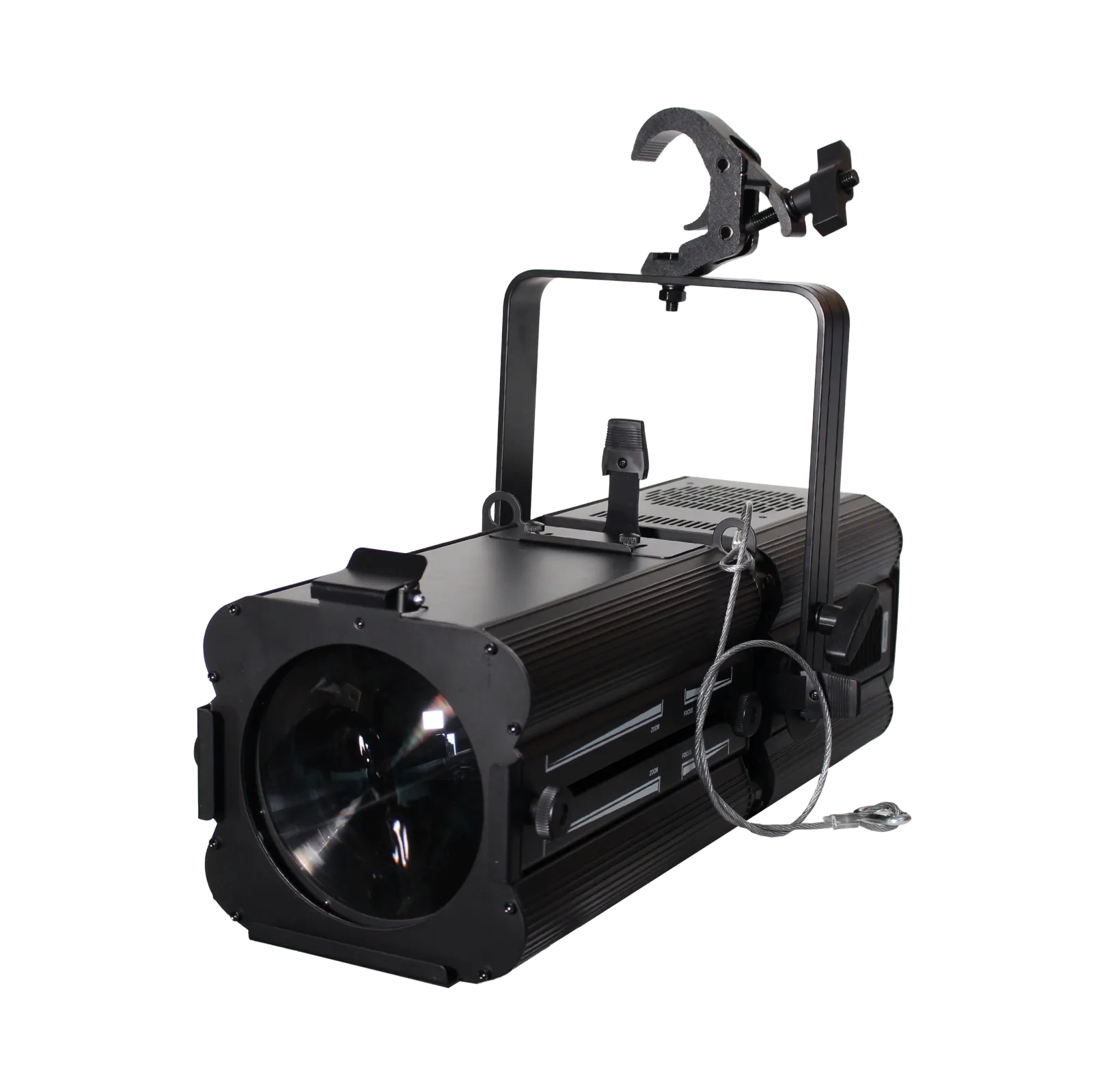
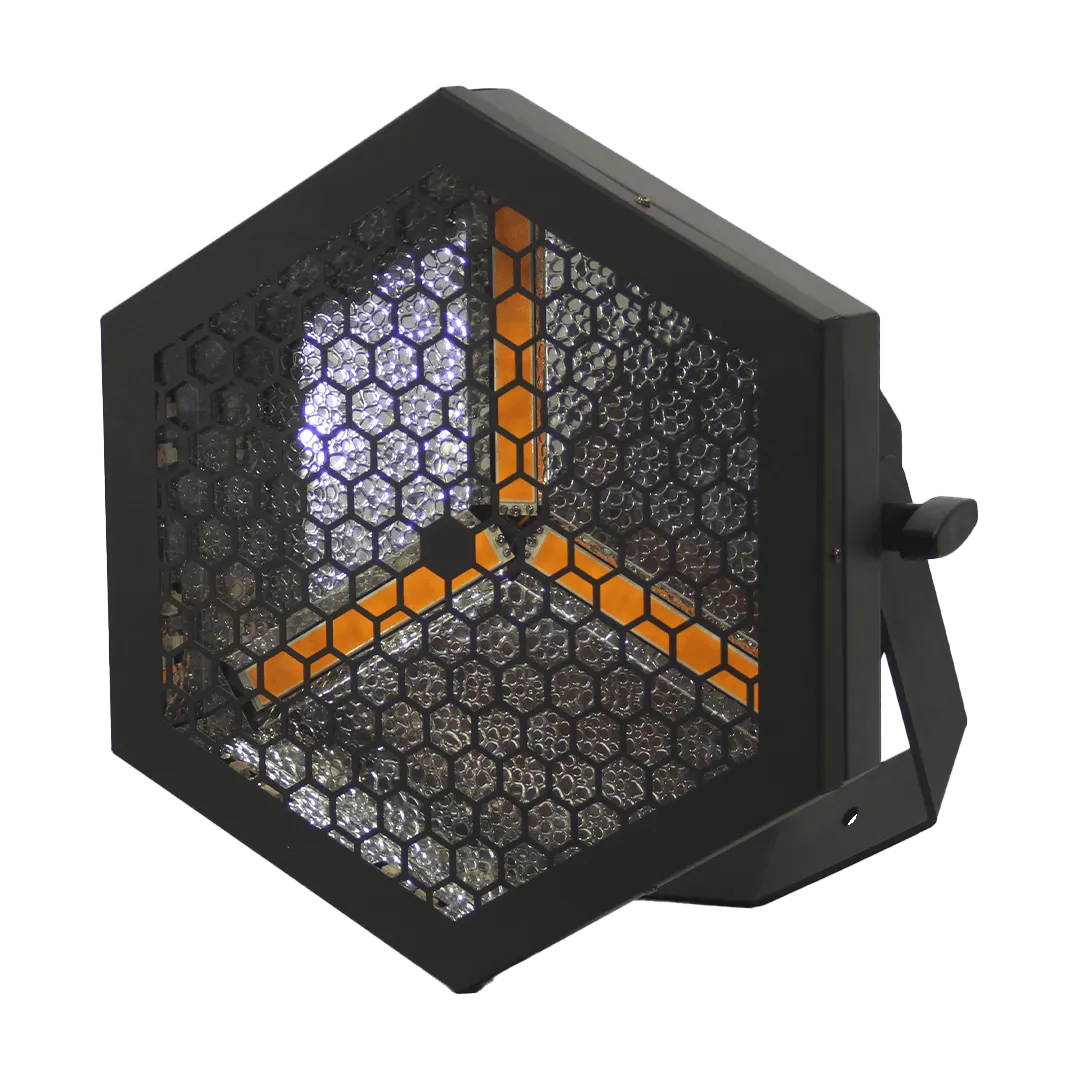
BOS Lighting fixtures with a SSL2 file







Frequently asked questions
Which lighting controller can use an SSL2 file?
Among others ADJ myDMX 3.0 and myDMX GO, WolfMix W1 and W2, Stick, Lightrider, Sunlite Suite, ESA Pro 2, Daslight 4, Easy View and Lightkey.
What is the difference between SSL and SSL2?
SSL2 is the successor of the older SSL format. The Scan Library Editor can convert an old SSL file to SSL2.
Do the SSL2 files cost anything?
No. All BOS Lighting fixture files are free to download.