
Lightkey fixture files
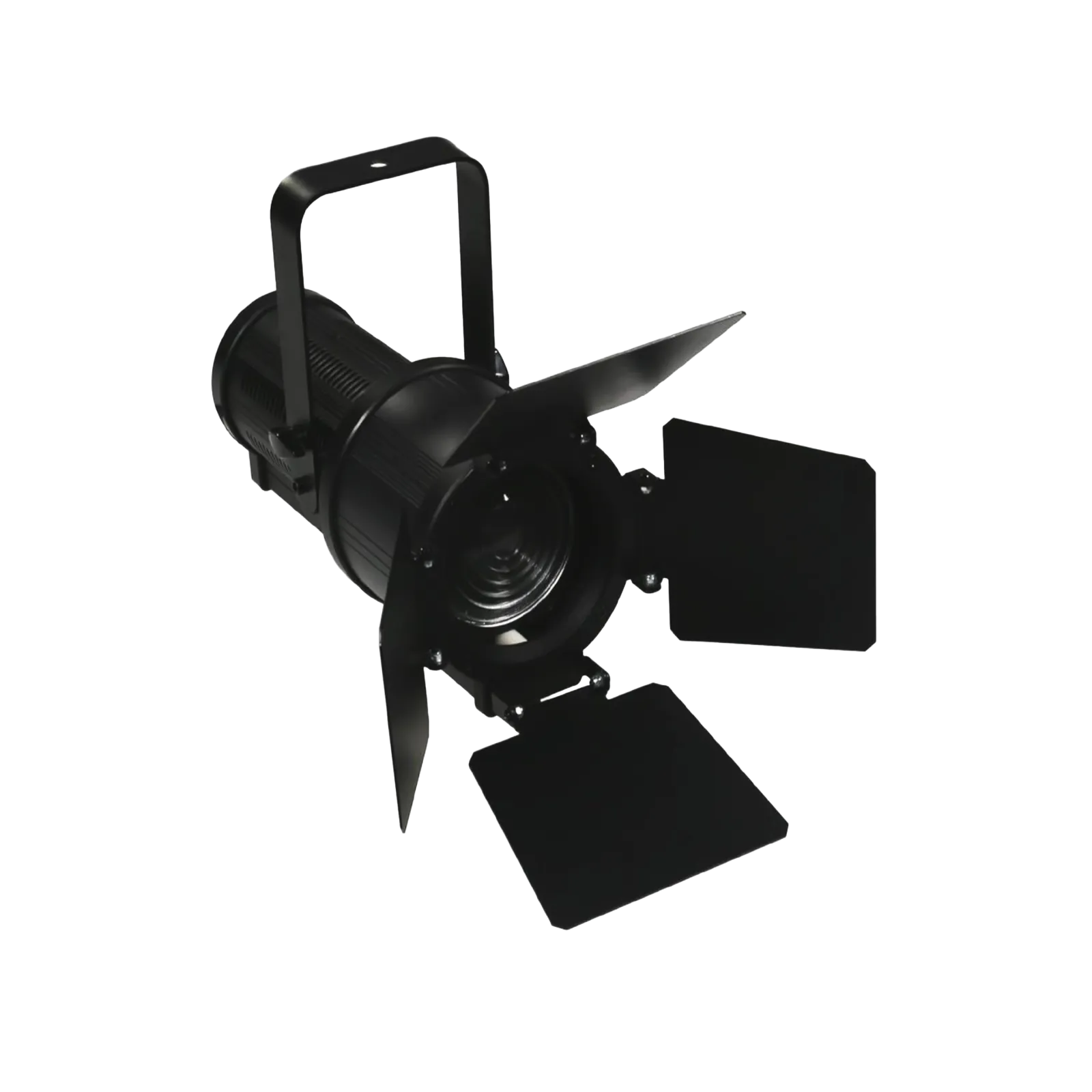
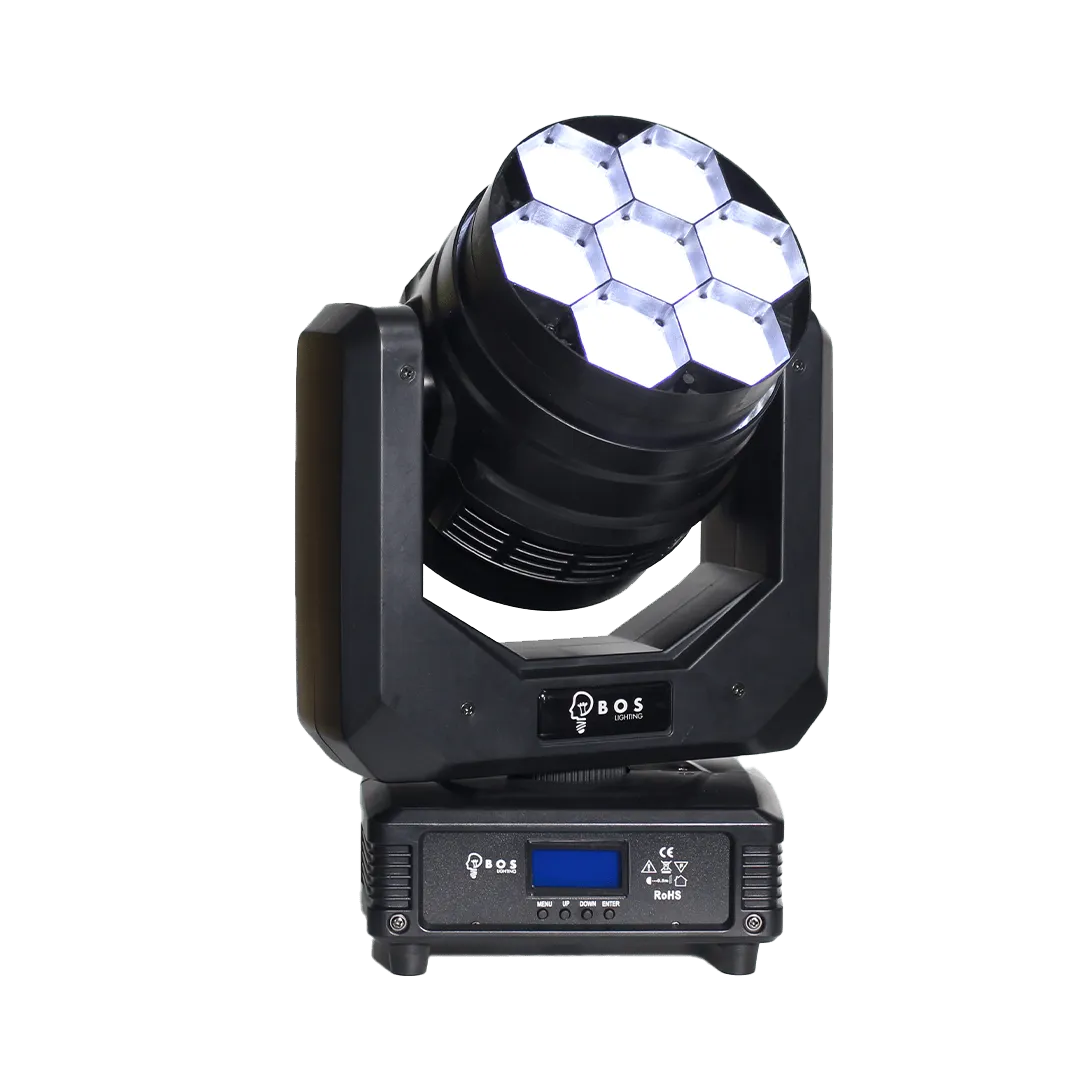
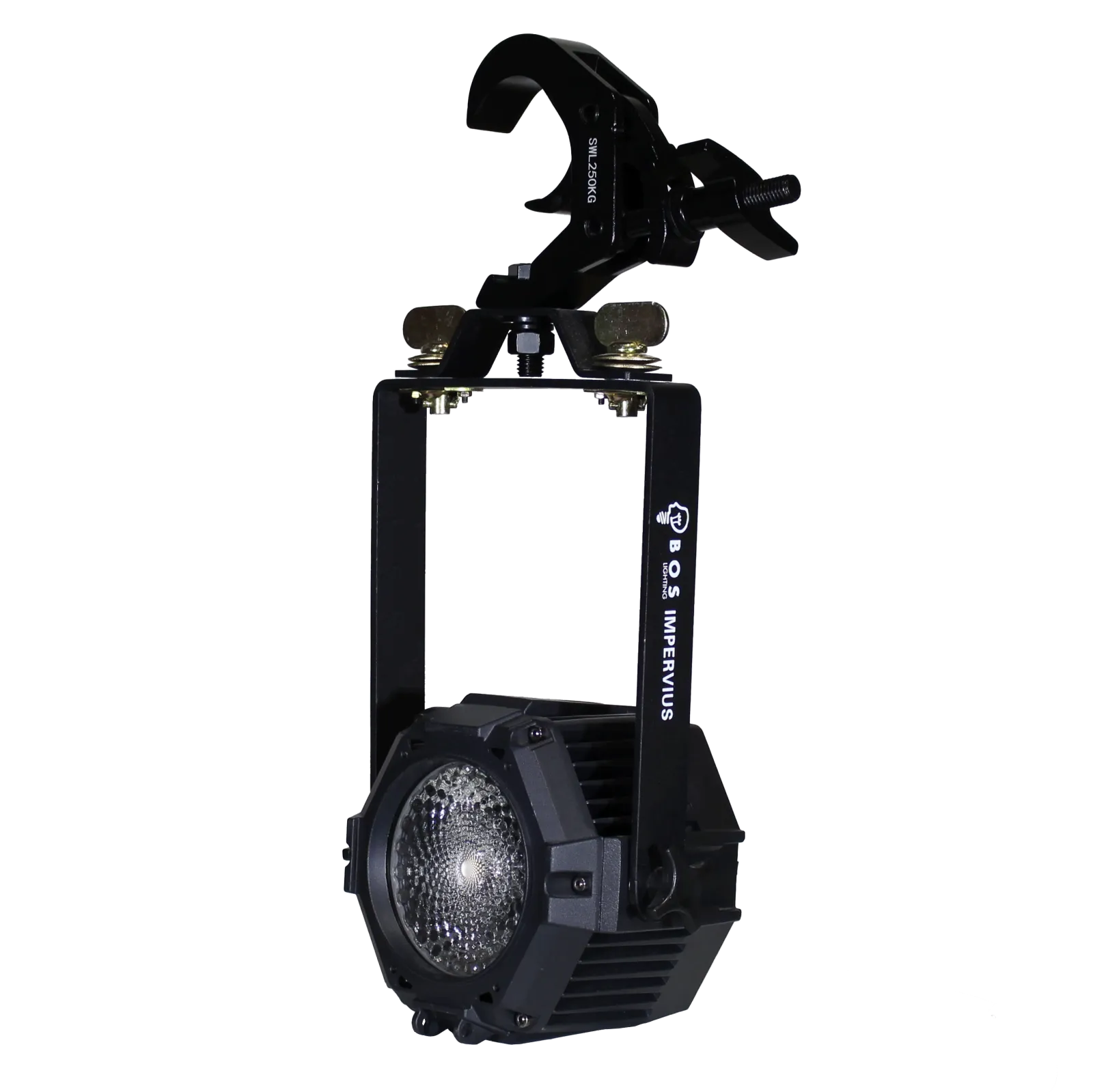
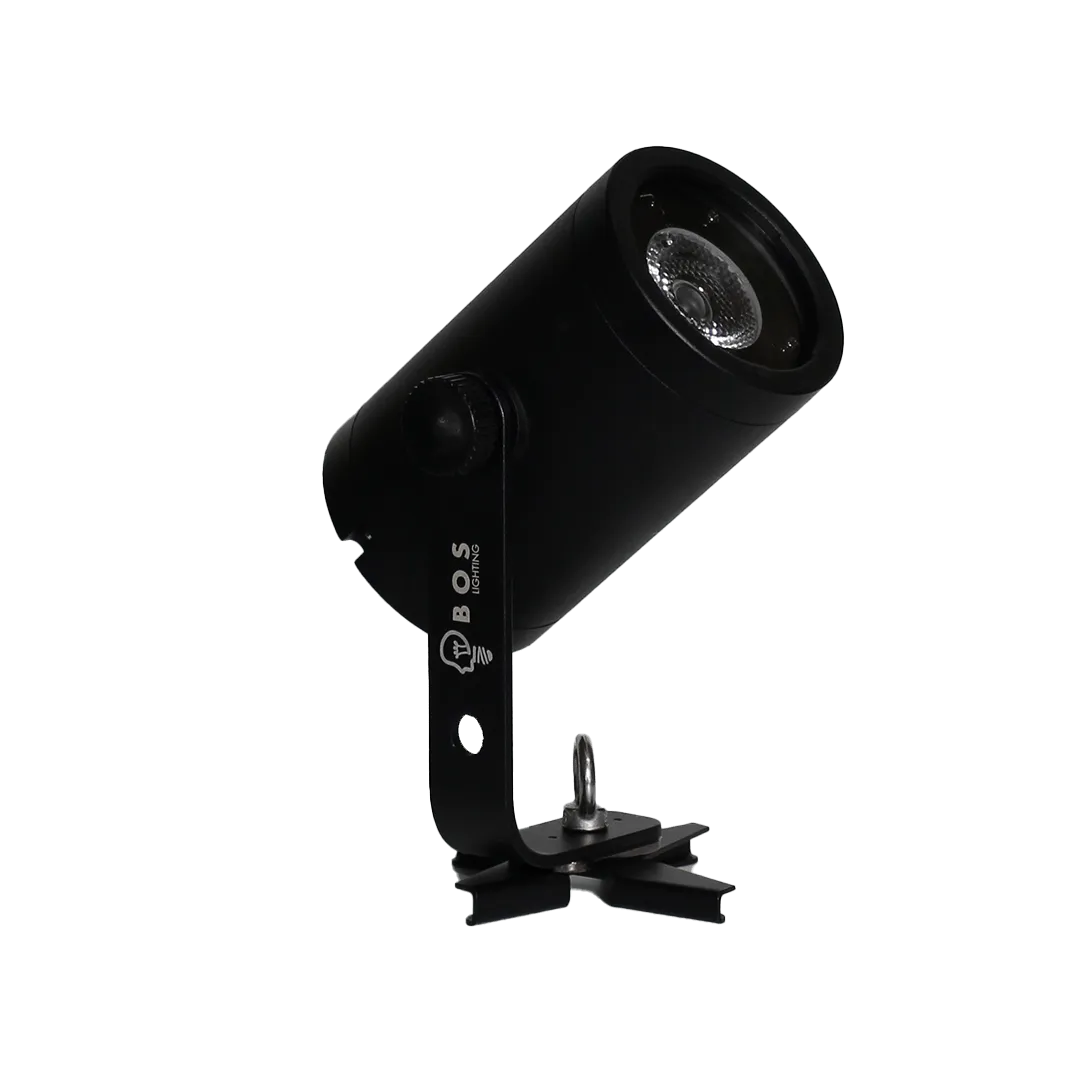
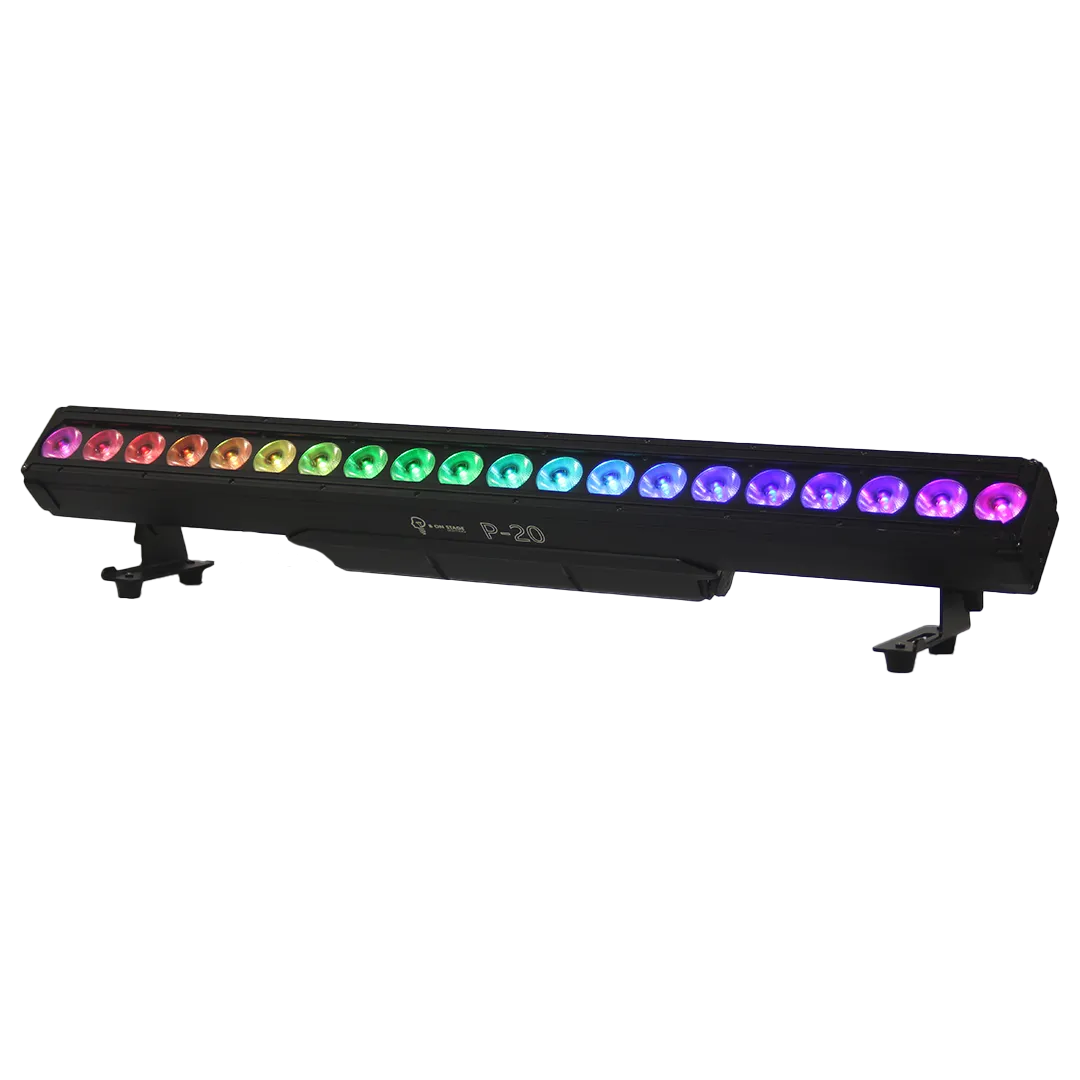
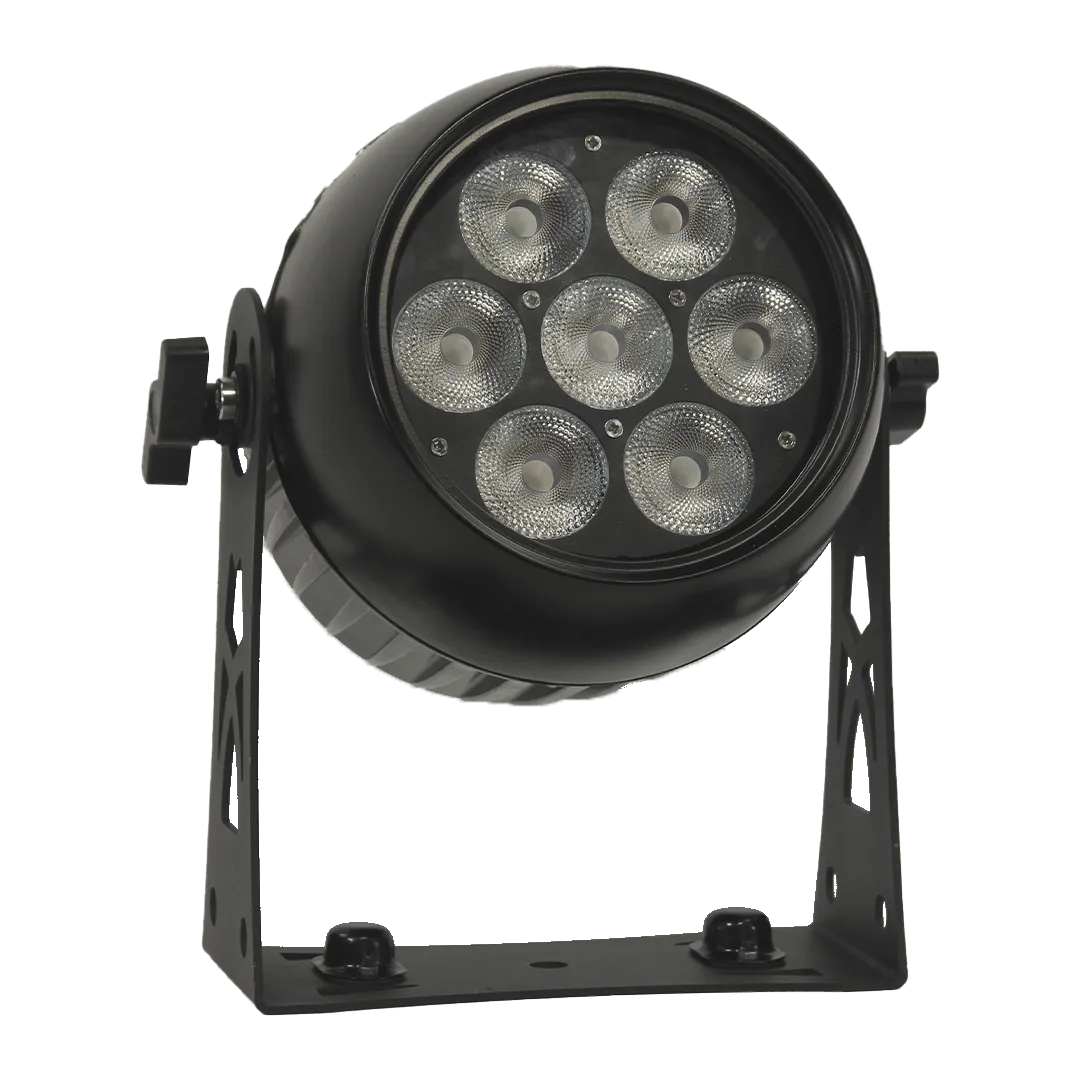
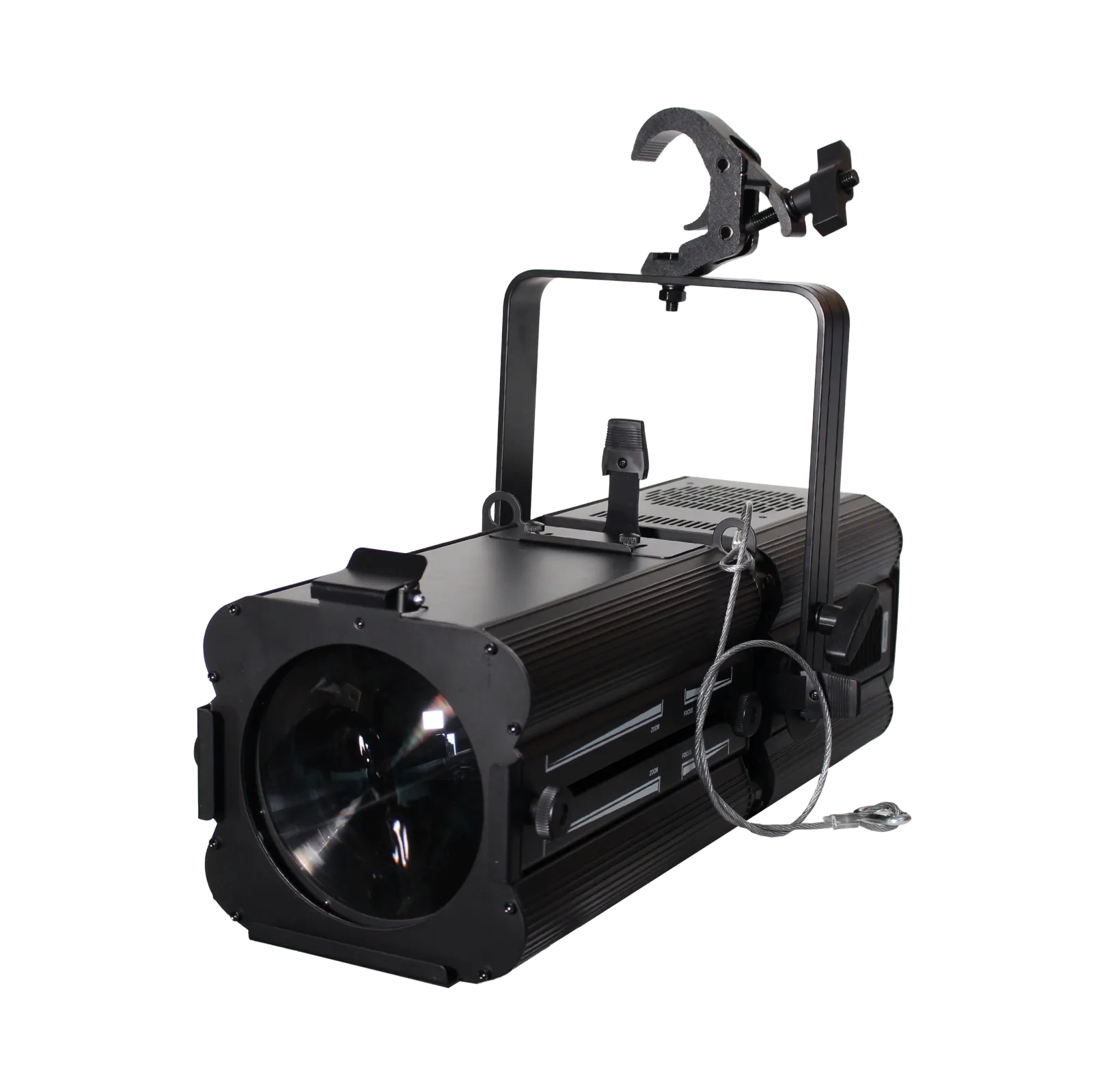
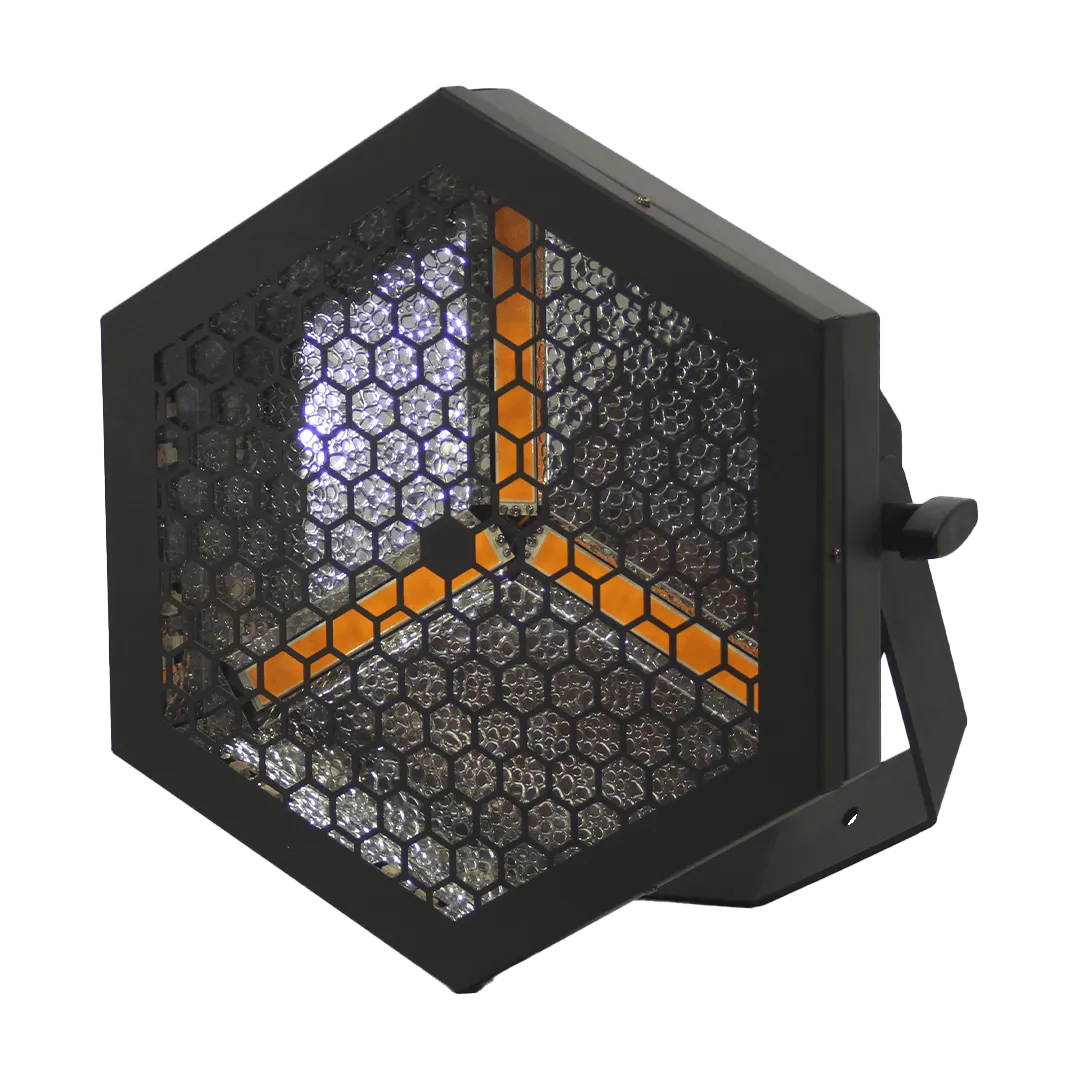
For Lightkey on the Mac we provide native fixture profiles. Below are all BOS Lighting fixtures with a Lightkey profile, followed by the fixtures you can load into Lightkey through SSL2.
What is a Lightkey file?
Lightkey is DMX lighting software for macOS. A .lightkeyfxt file is a native Lightkey profile with the channels, beam and pan and tilt of a fixture. Lightkey can also import SSL2 files; check such a profile in the fixture editor after importing.
How to import it
- Download the Lightkey profile for your fixture below.
- In Lightkey open the fixture library, click the gear icon and choose Import Profile.
- Choose the .lightkeyfxt file (or an .ssl2 file) and patch the fixture.
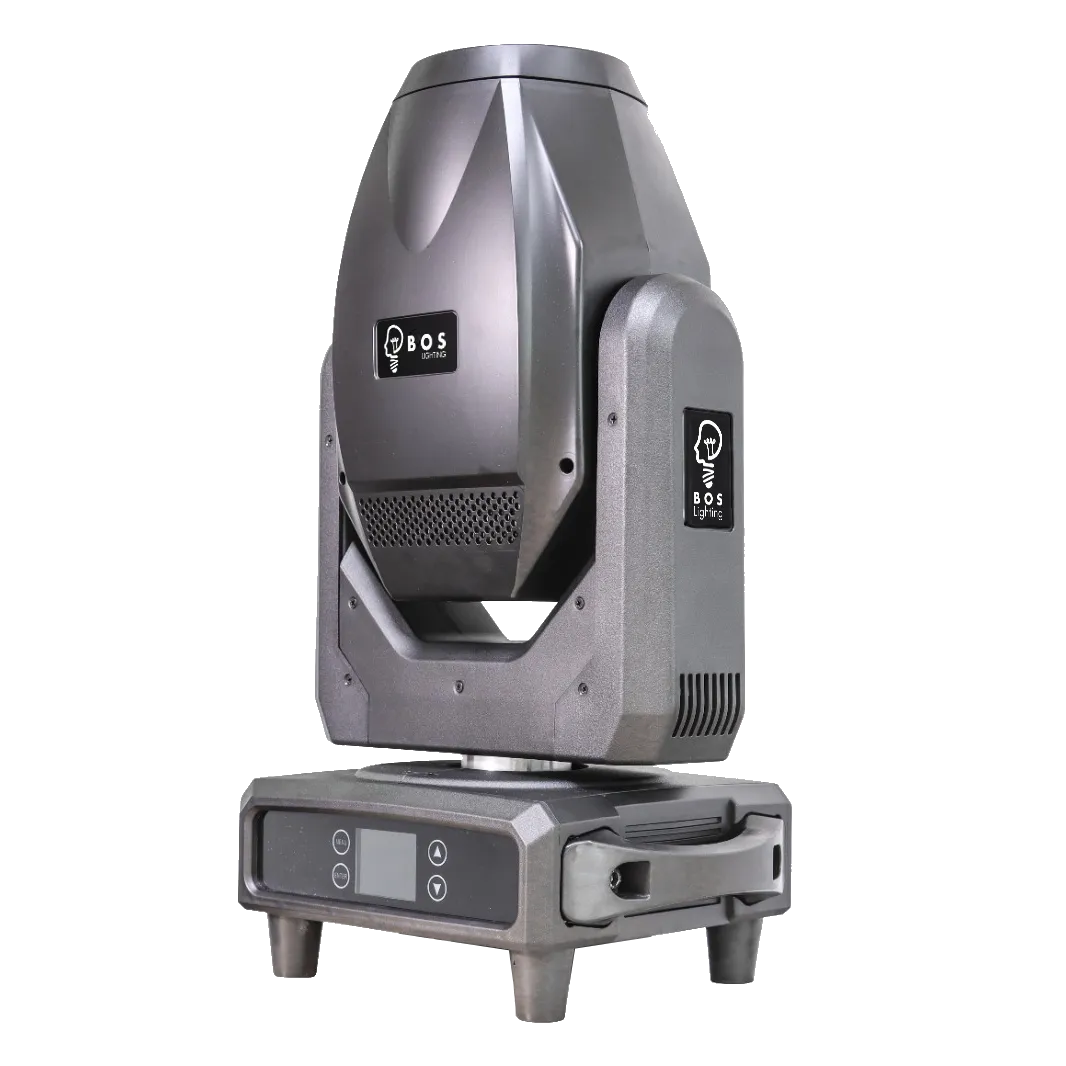
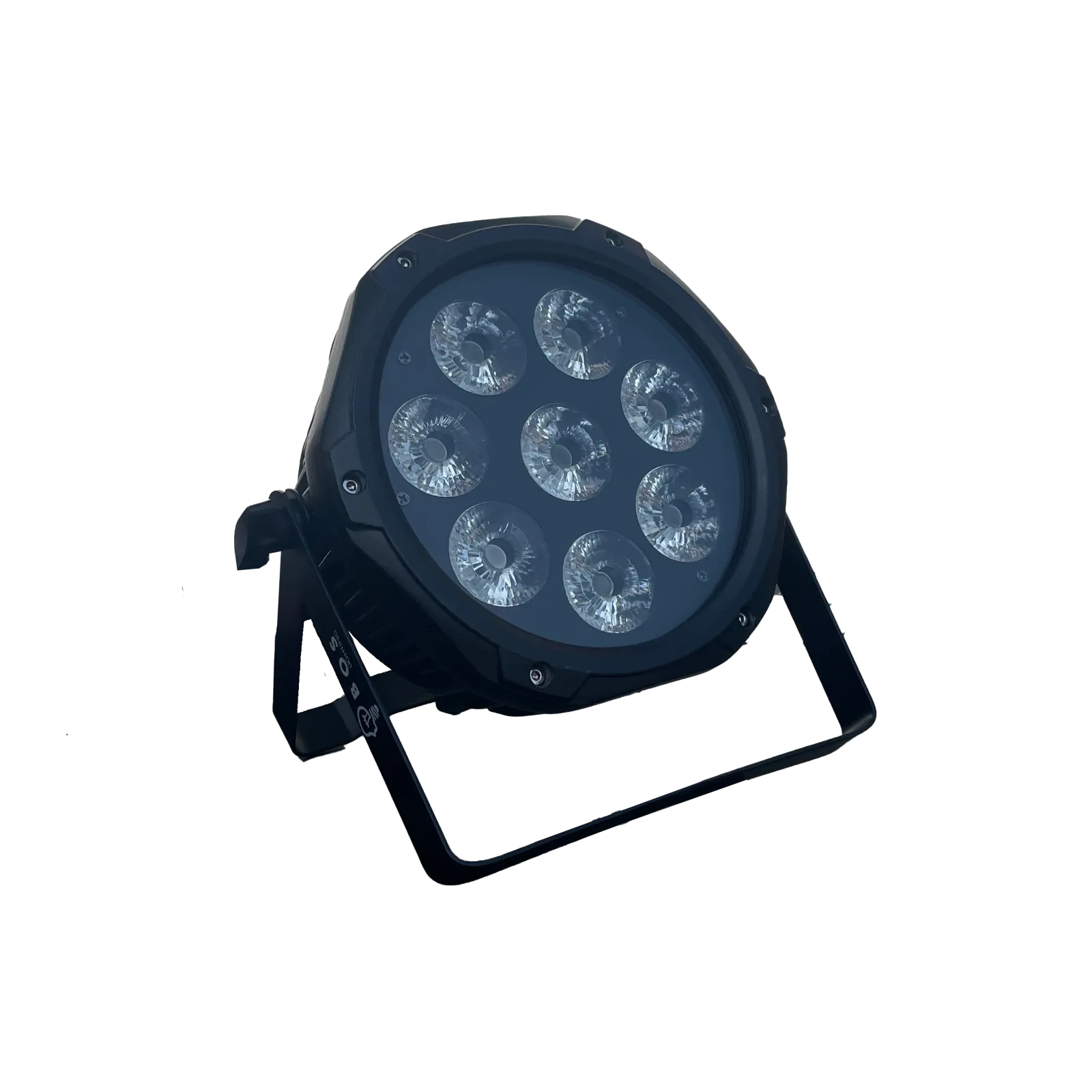
BOS Lighting fixtures with a Lightkey file


Also usable through SSL2
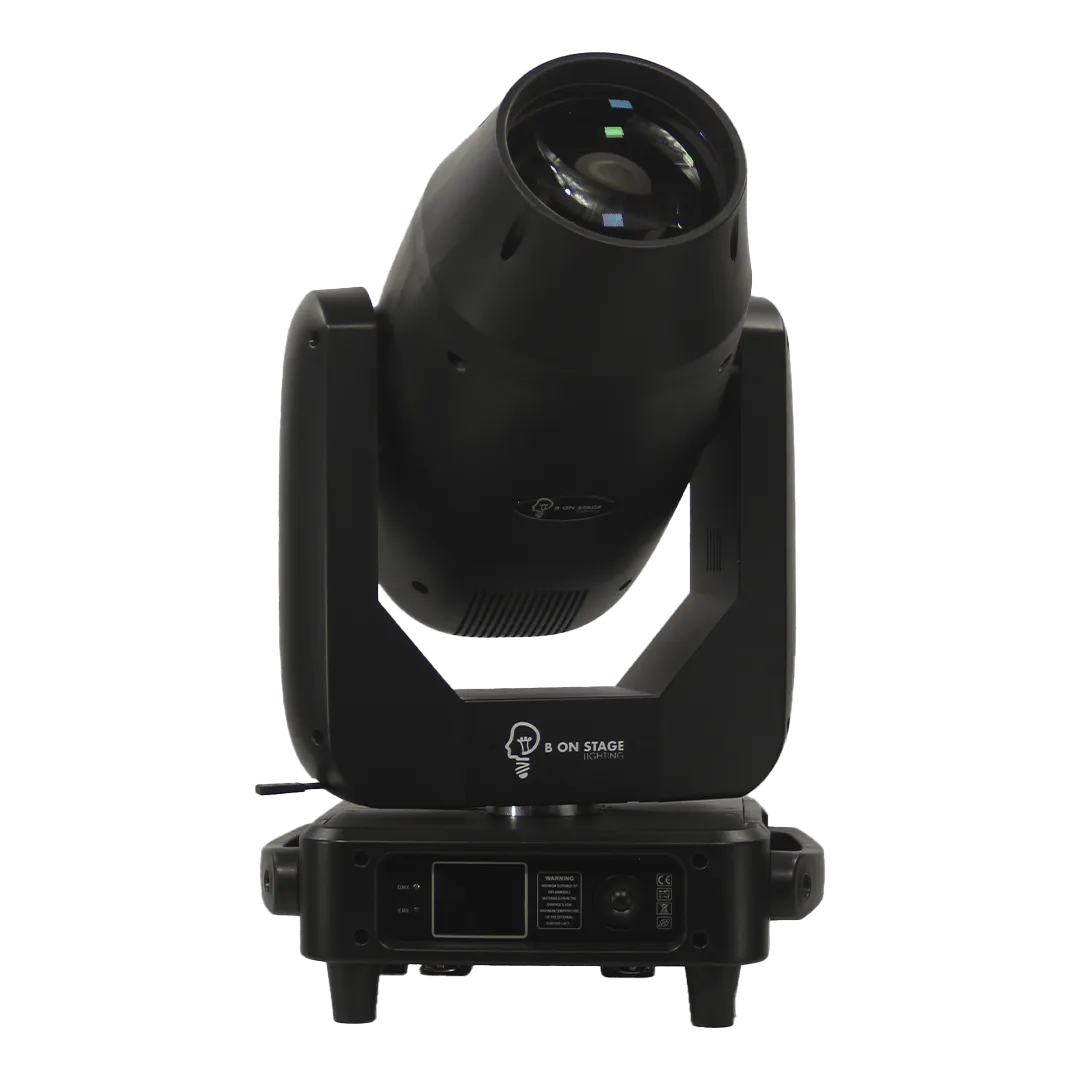
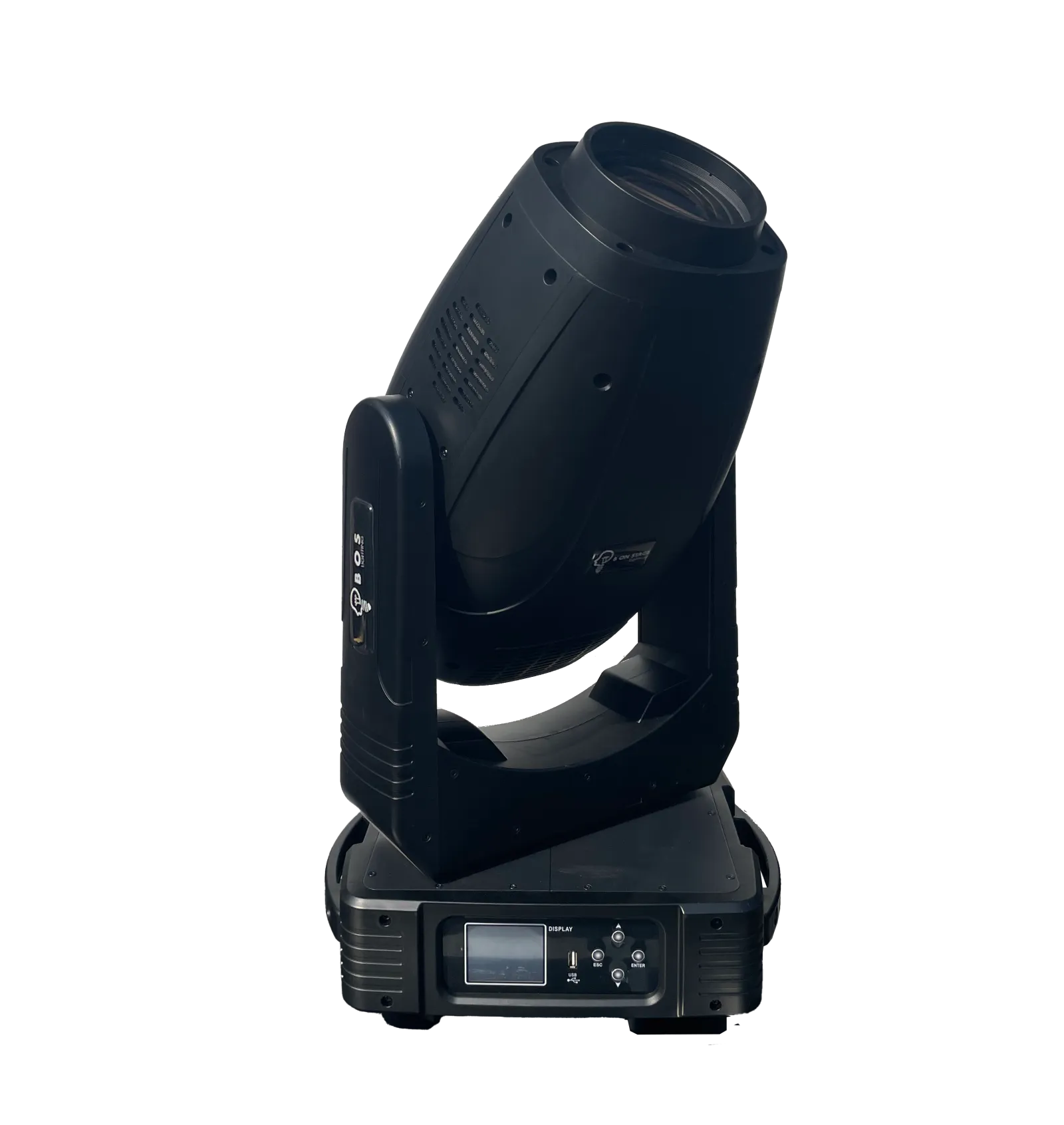
These fixtures have no Lightkey file (yet), but your software can read the SSL2 file.





Frequently asked questions
My fixture has no Lightkey profile. What now?
Import the SSL2 file: Lightkey reads SSL2 too. Those fixtures are listed at the bottom of this page.