
MA2 fixture files
For grandMA2 consoles and grandMA2 onPC we provide fixture types as XML files. Below are all BOS Lighting fixtures with an MA2 file ready to download.
What is a MA2 file?
A grandMA2 fixture type is an XML file holding every mode, channel and value range of a fixture. You import it from a USB stick into your show file. The console makes a copy, so editing it in your show does not change the file itself. Using a grandMA3? Take the GDTF file instead.
How to import it
- Download the file below and unzip it.
- Put the XML files on a USB stick in the folder gma2/library.
- Go to Setup › Patch & Fixture Schedule › Add New Fixtures › Import, choose the USB drive and import the right fixture type.
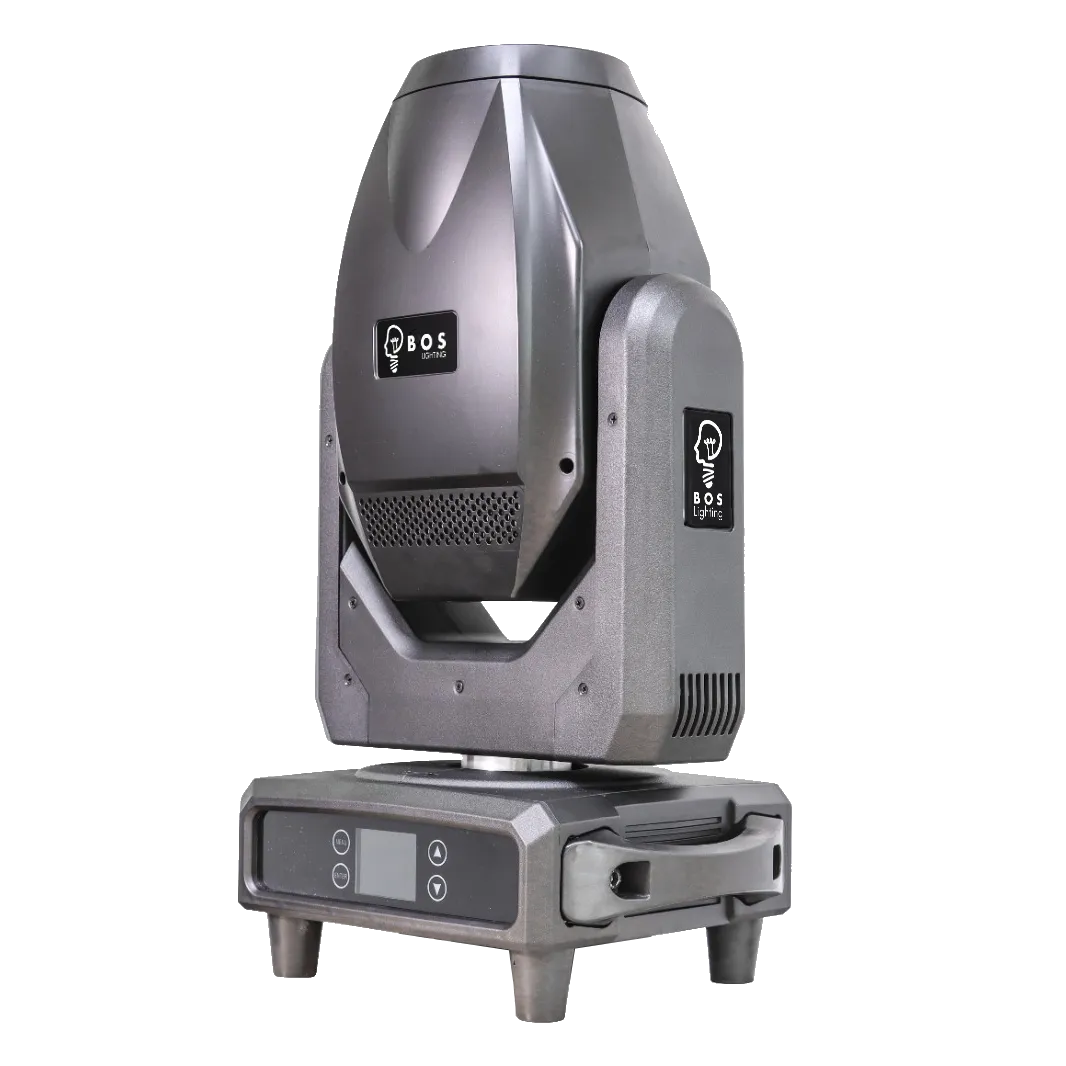
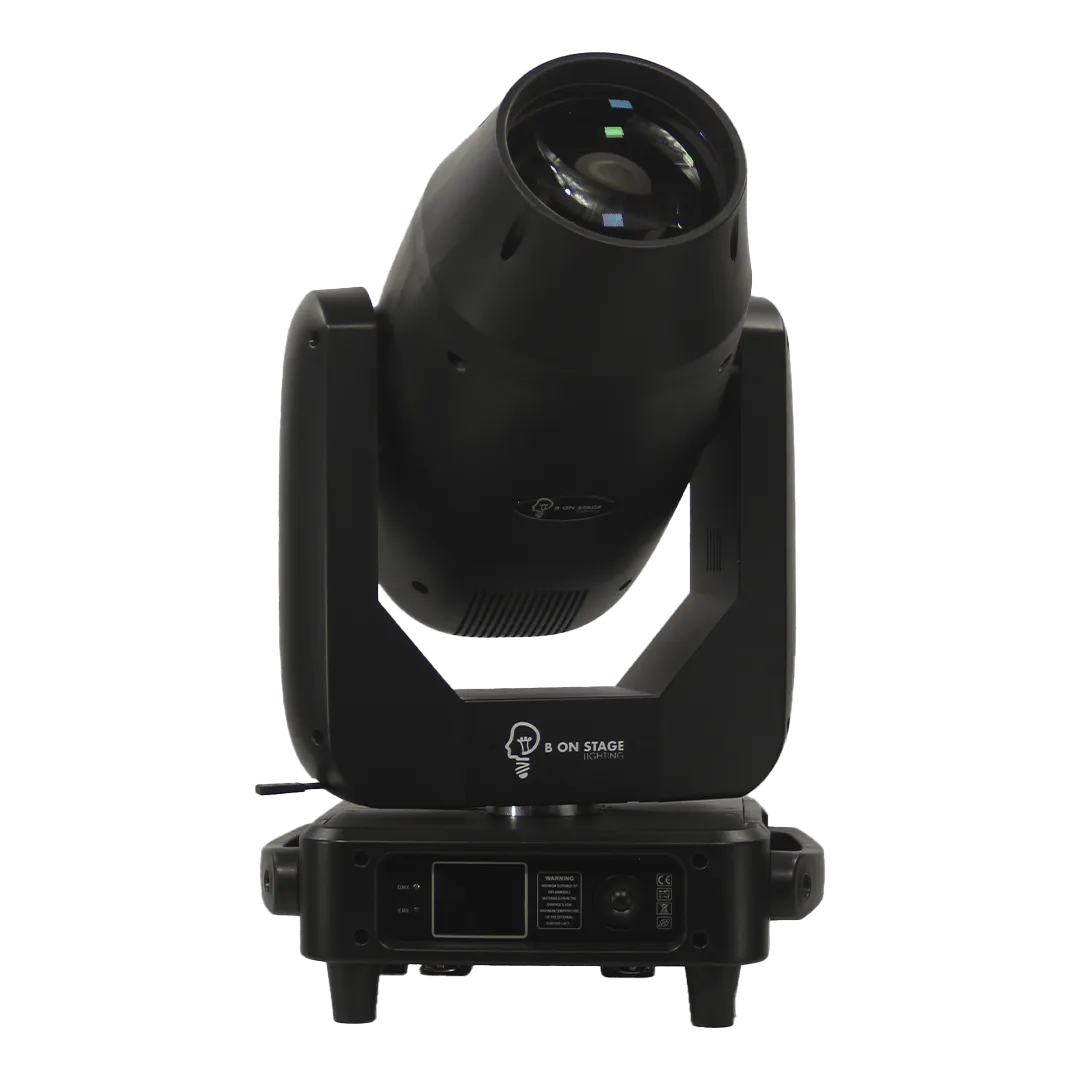
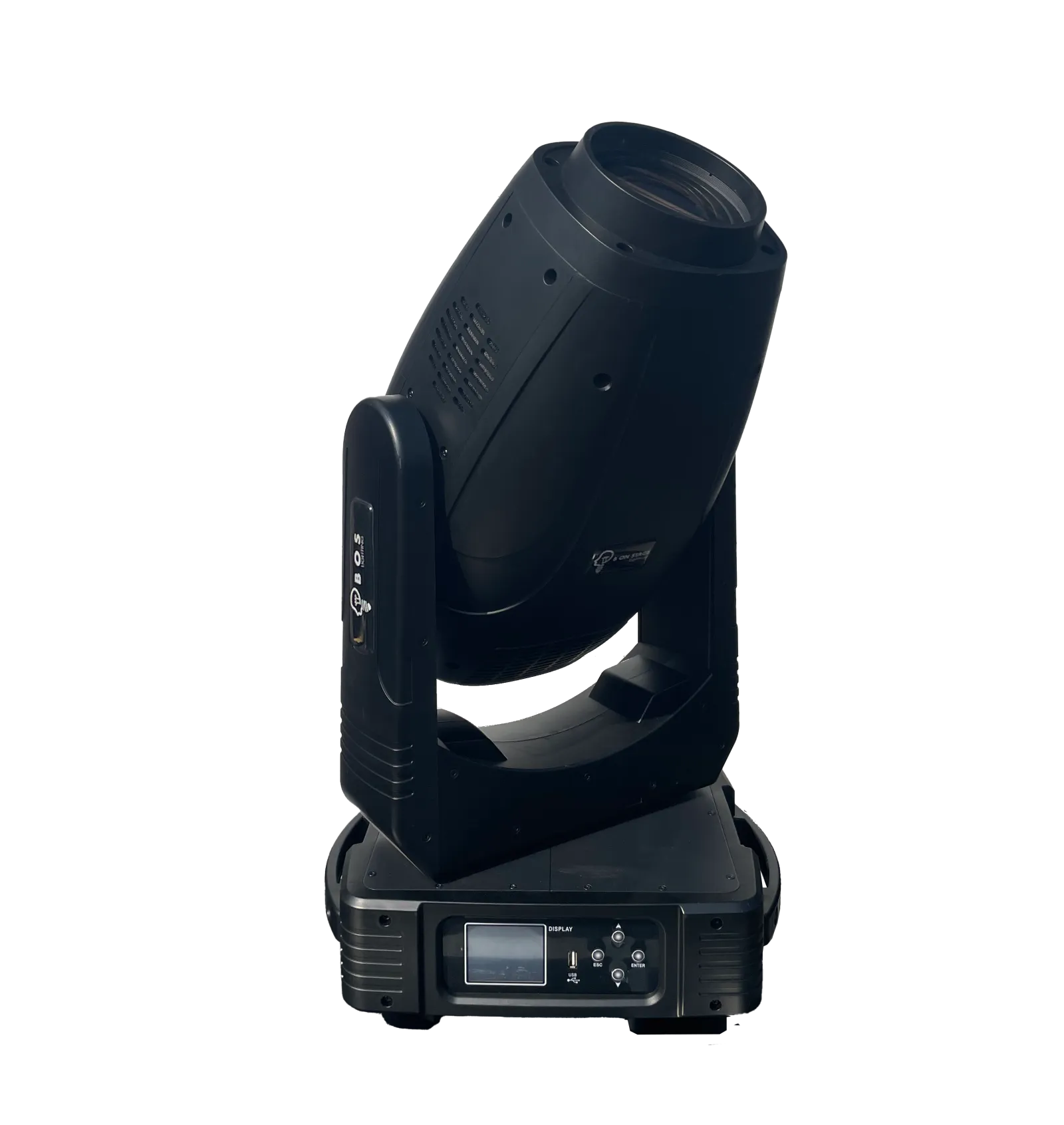
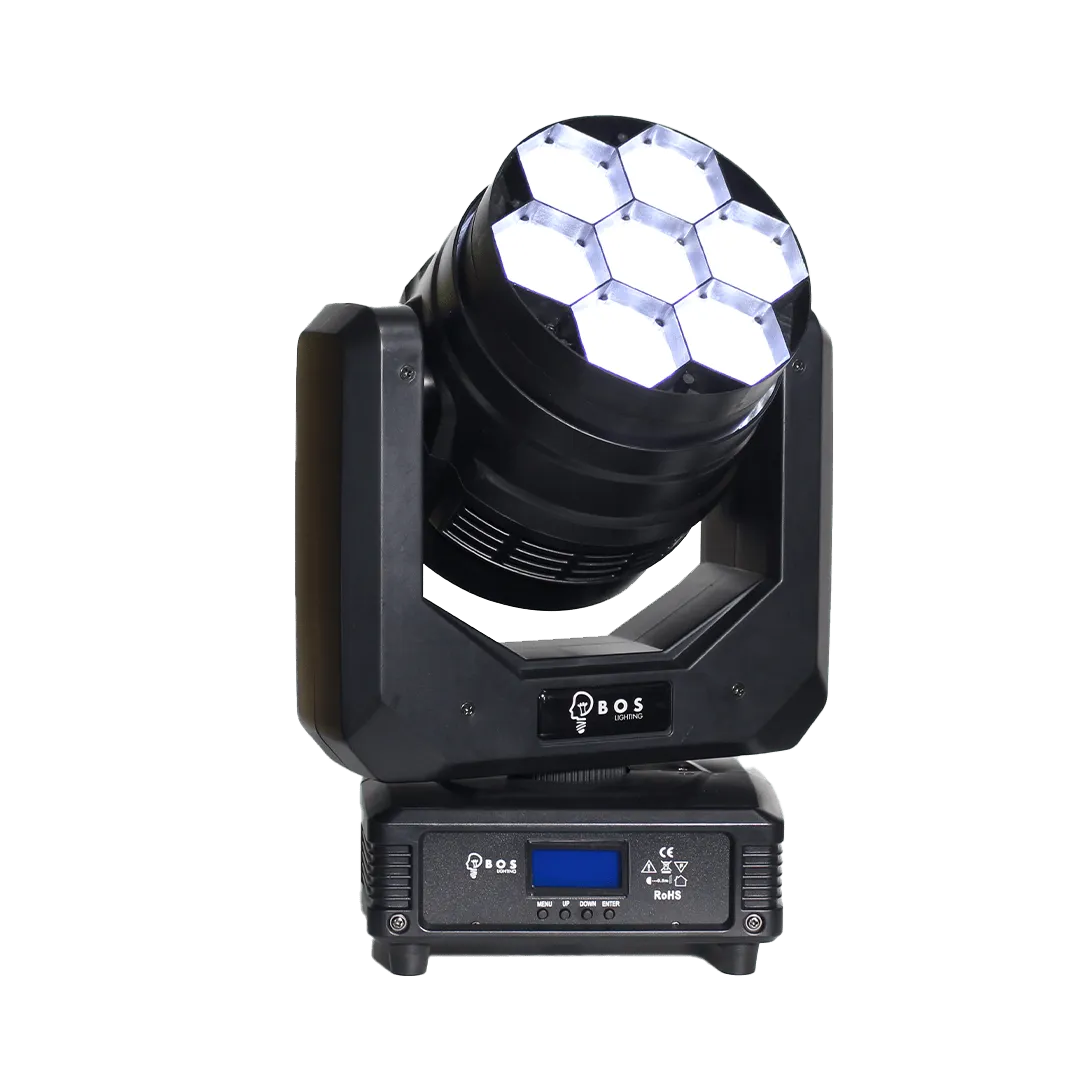
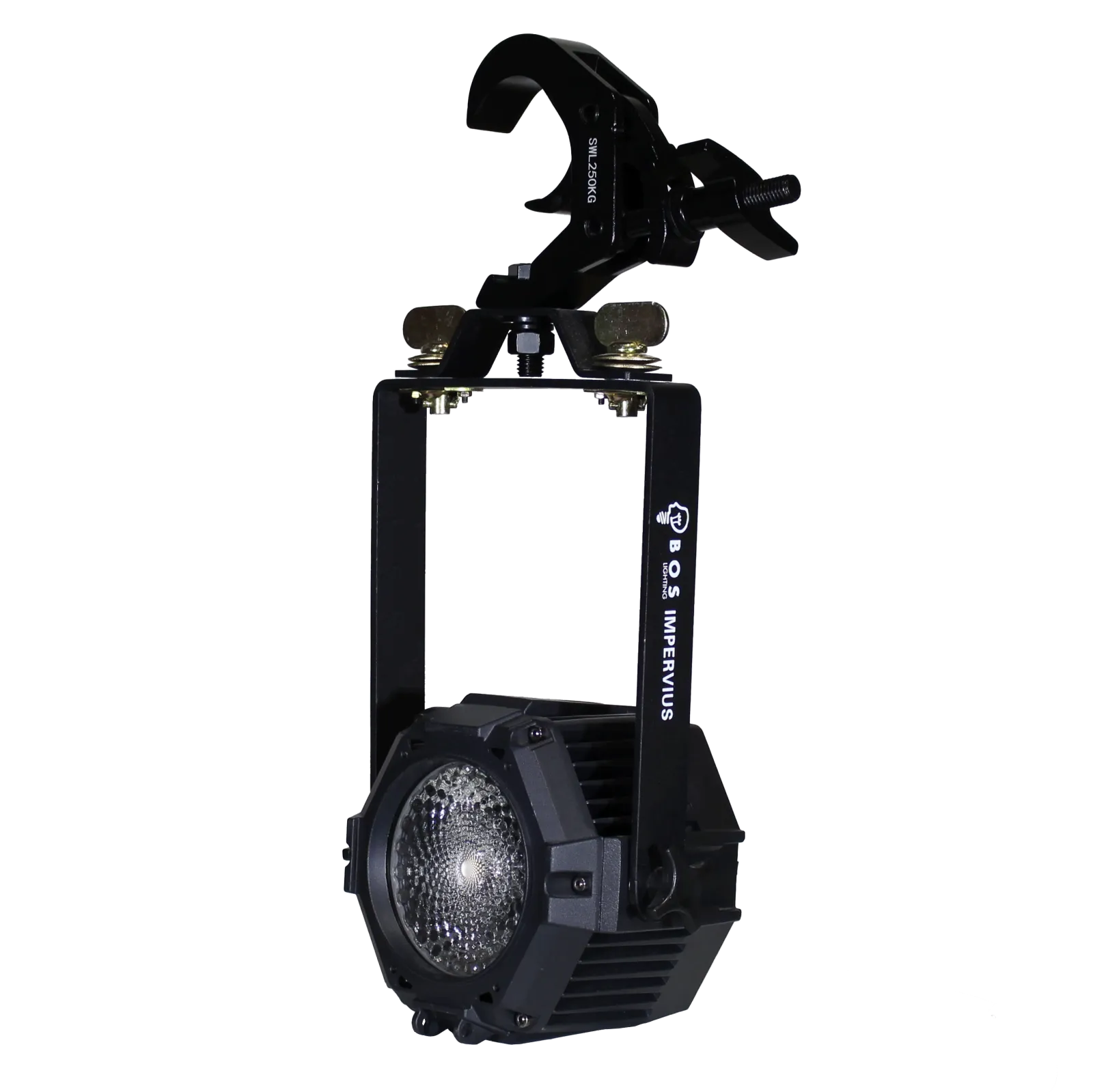
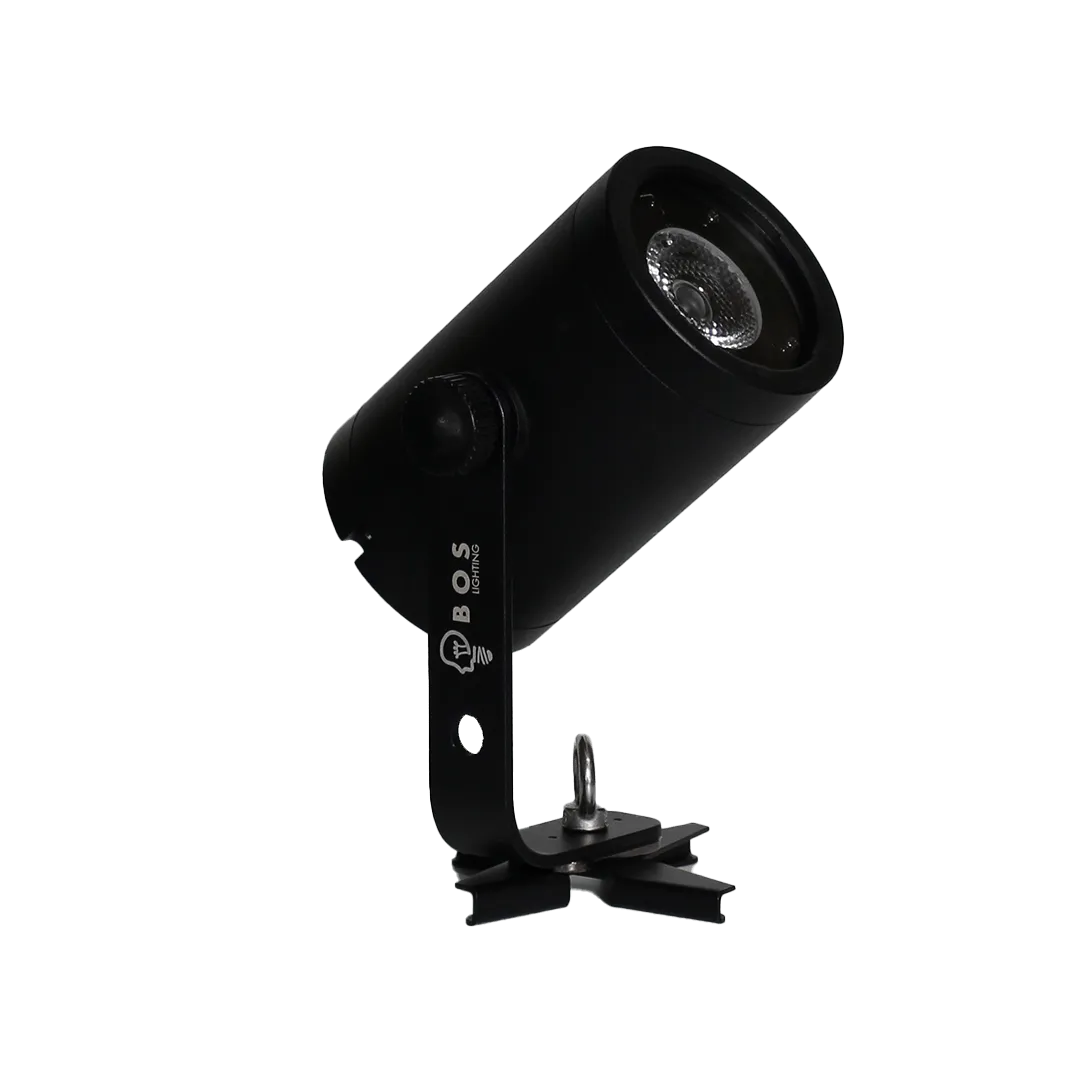
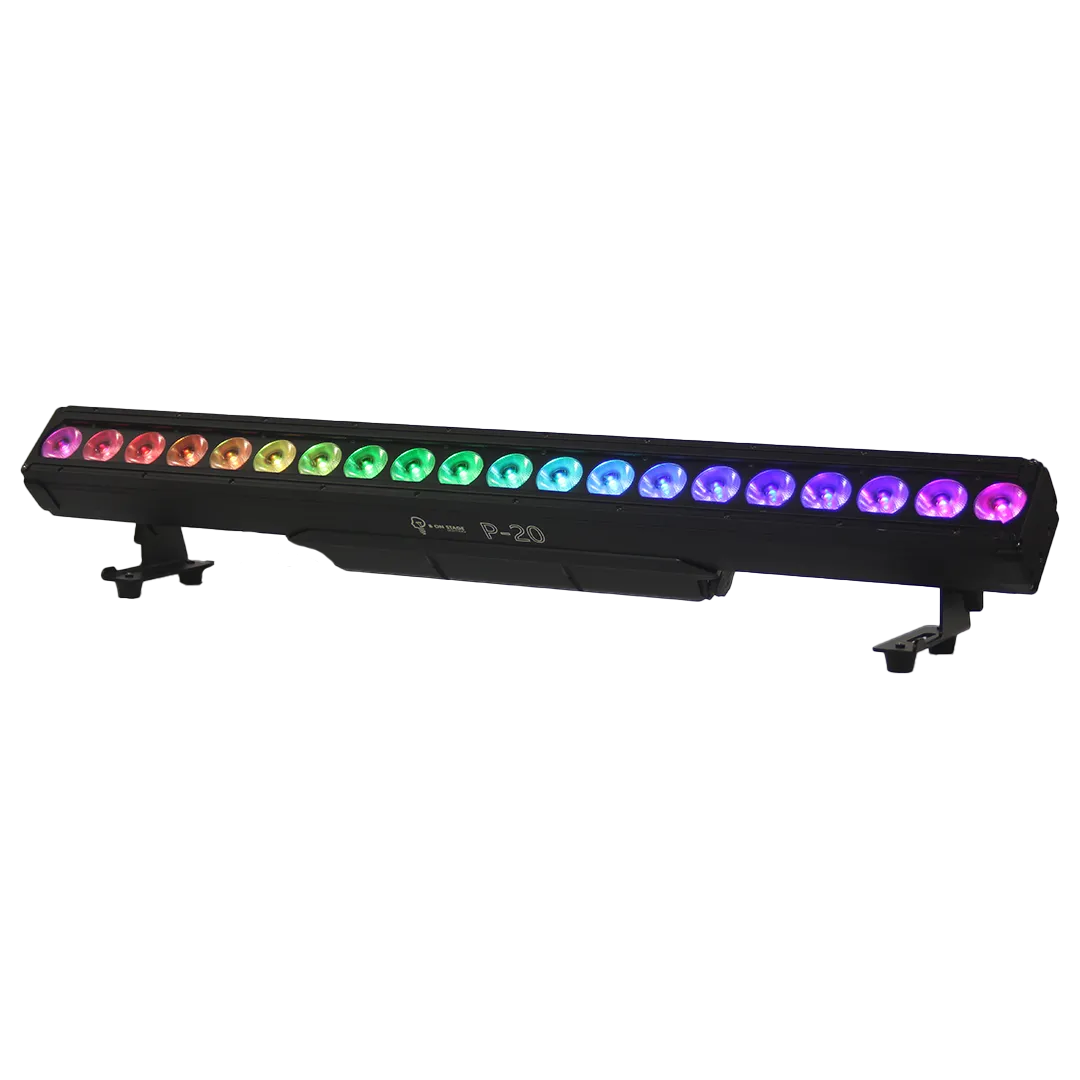
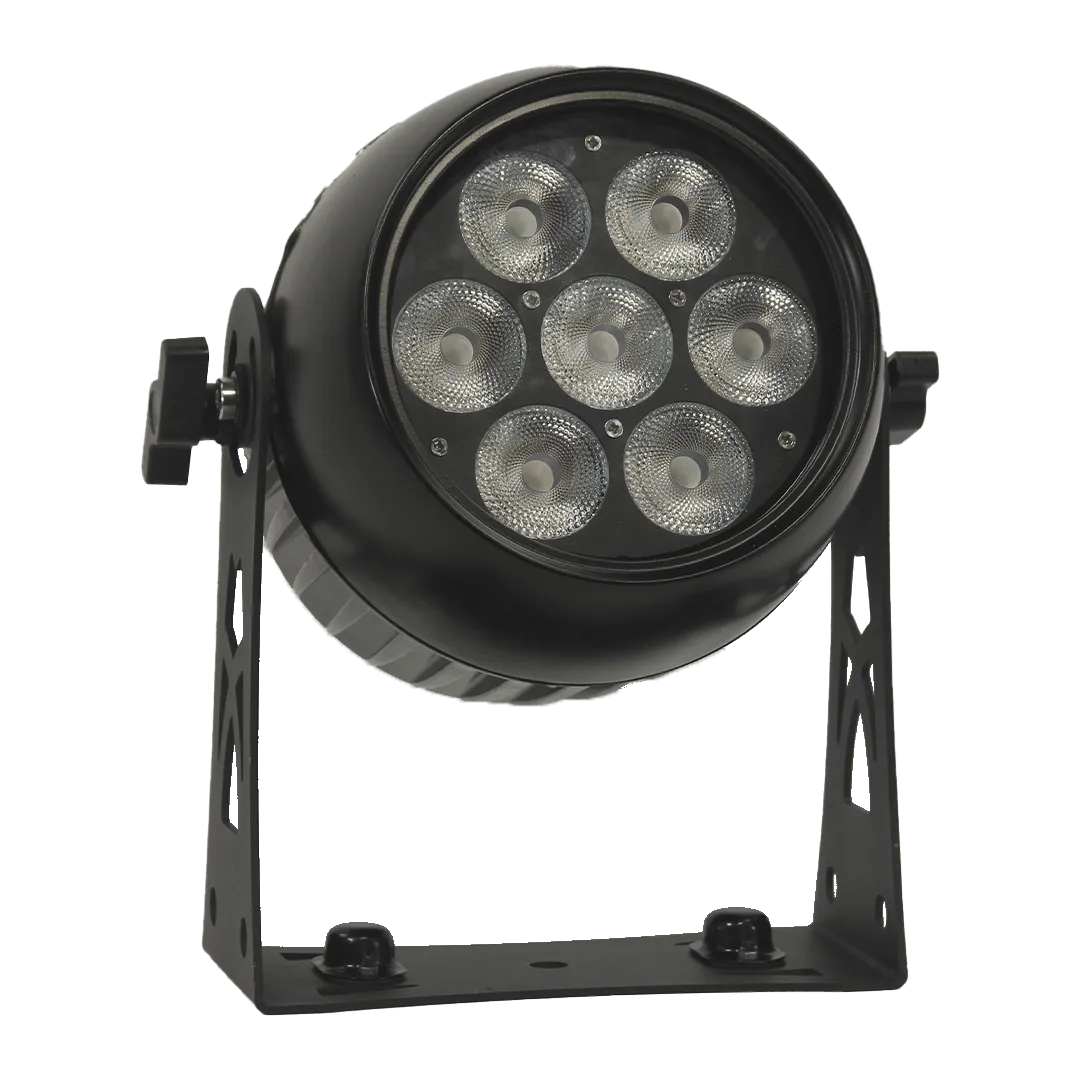
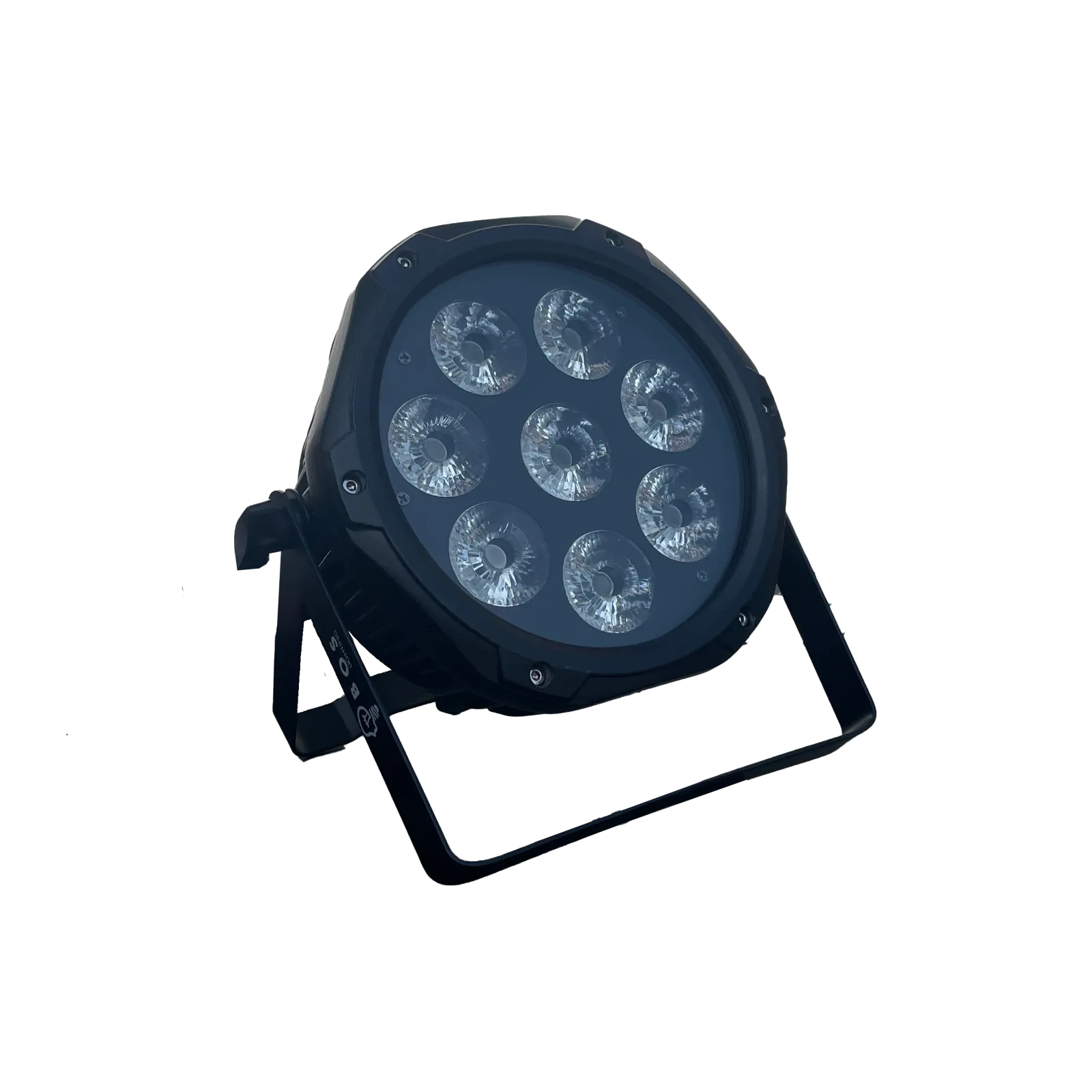
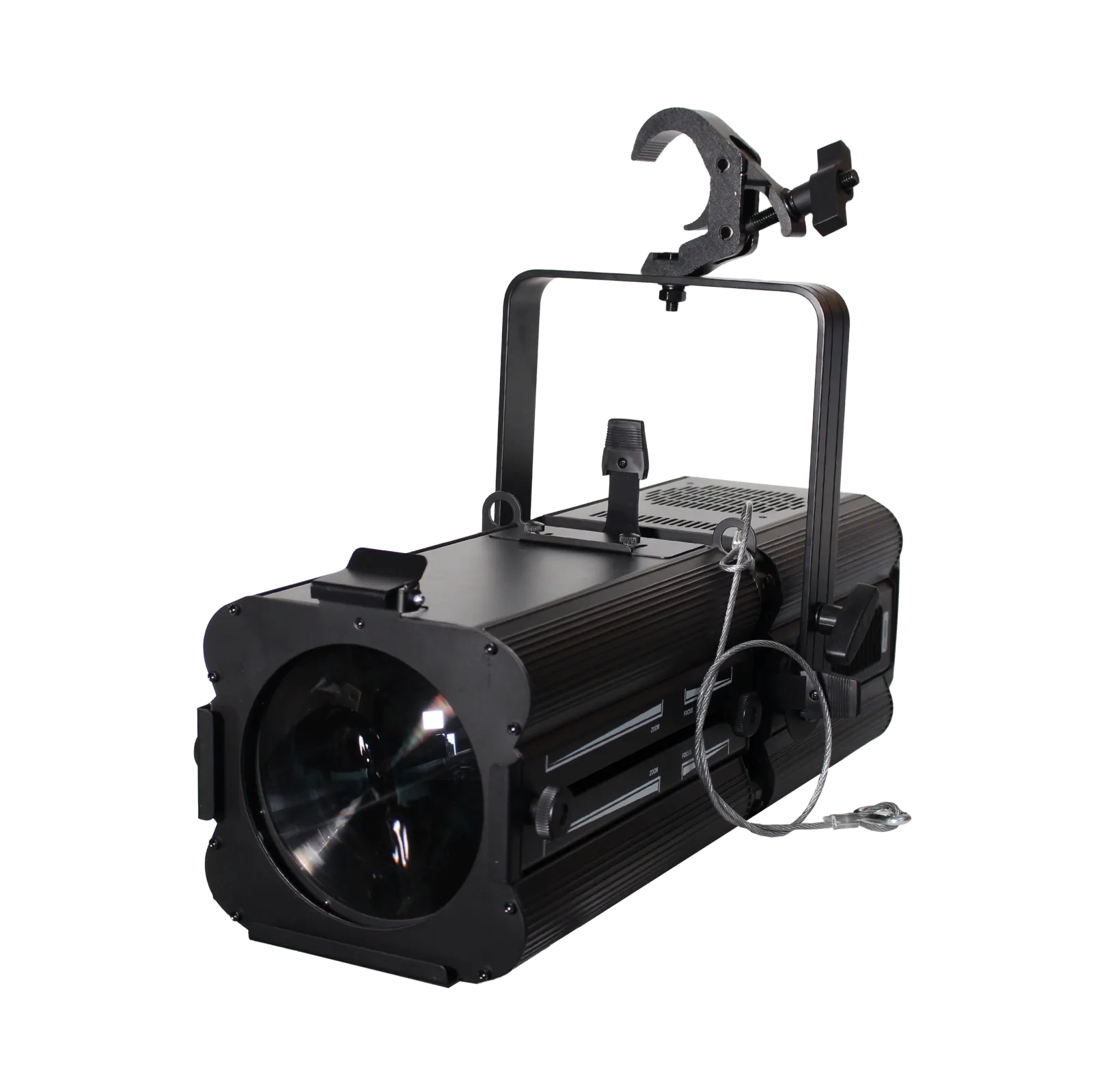
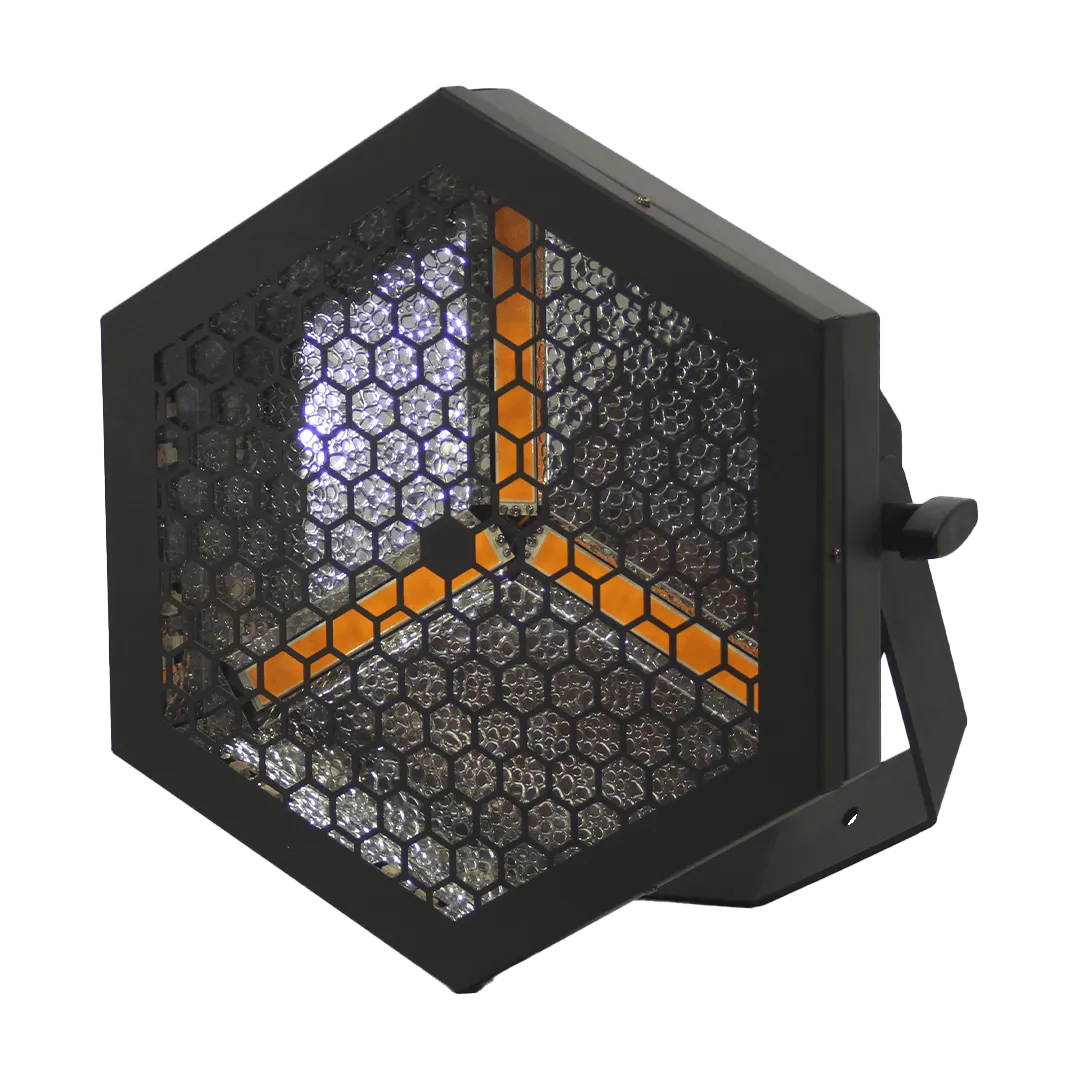
BOS Lighting fixtures with a MA2 file







Frequently asked questions
Does an MA2 file also work on a grandMA3?
For the grandMA3 we recommend the GDTF file, which the grandMA3 imports directly.
Why are there several XML files in the zip?
Every DMX mode of the fixture is its own fixture type. Import the mode your fixture is set to.